
Patagonia's Untamed Beauty and the Connectivity Challenge
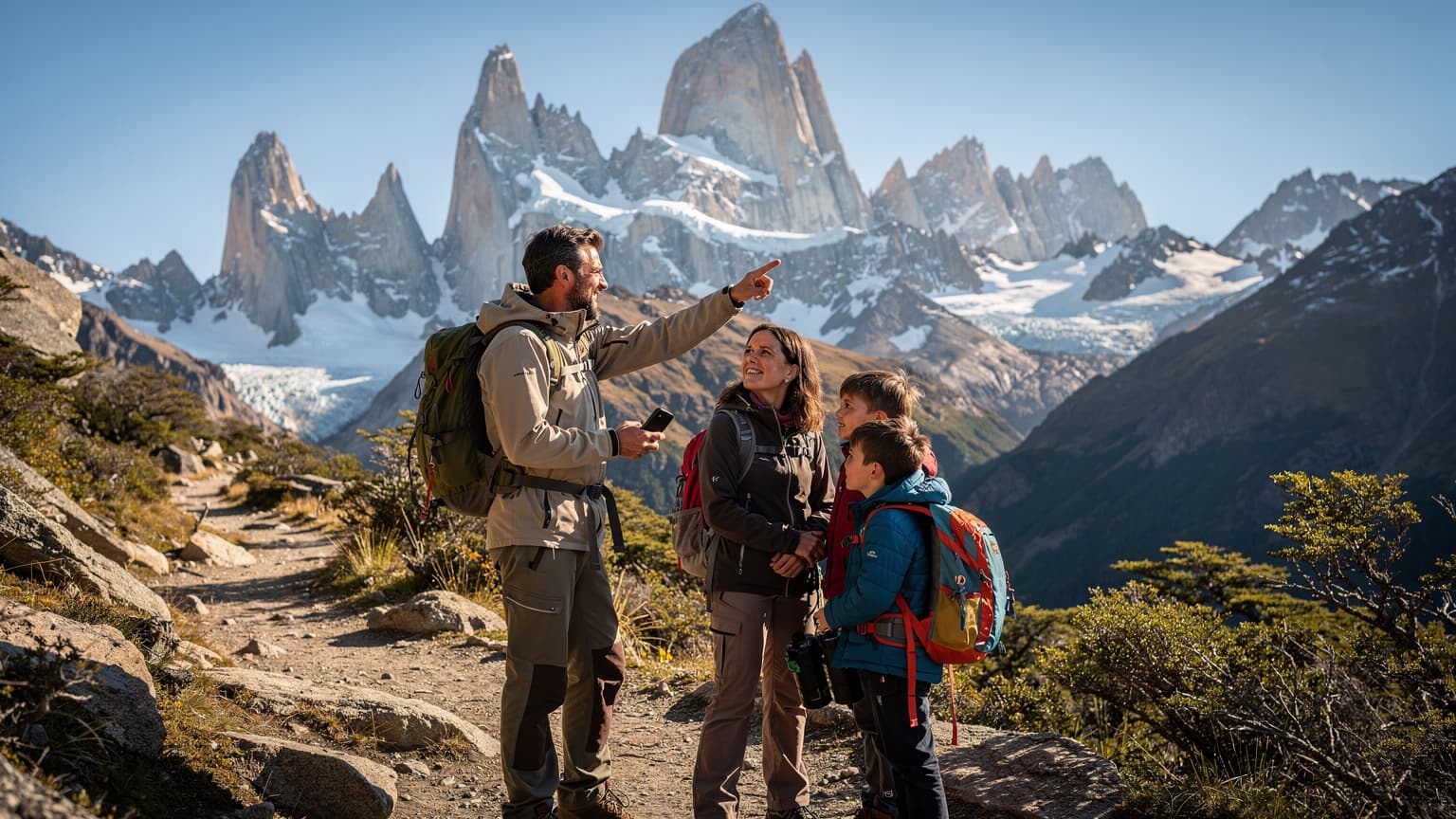
Patagonia. Just the name conjures images of jagged, snow-dusted peaks, cerulean glaciers, and windswept pampas stretching to the horizon. It's a land of profound beauty and equally profound isolation, a place where the wild truly feels wild. For families like mine, who thrive on adventure but also require a baseline of safety and comfort, planning a trip here means balancing the thrill of the unknown with the practicalities of modern travel, especially when it comes to staying connected.
We've traversed quite a few continents with our two, now 10 and 12, and while the W-trek in Torres del Paine is magnificent, we've found our true calling on the less-frequented paths. Think beyond the crowded viewpoints and into the heart of Parque Nacional Los Glaciares, exploring trails to Cerro Madsen near El Chaltén, or venturing into the more remote sections of Nahuel Huapi National Park. These are the places where the views are often more rewarding, and the quiet allows for genuine family connection. (Though, let's be honest, quiet also means less chance of finding a Wi-Fi signal for a desperate Disney+ top-up.)
The challenge, of course, is that 'remote' often equates to 'no service'. Traditional physical SIM cards can be a headache, requiring local purchases, registration hassles, and often offering spotty coverage outside urban hubs like El Calafate or Puerto Natales. And if you're crossing borders, say from Argentina into Chile, you're looking at another whole song and dance. This is precisely where an eSIM transforms from a convenience into an indispensable tool for safe, connected family exploration.
The Lure of Lesser-Known Patagonian Trails
While everyone flocks to the Mirador Base de las Torres, we’ve cherished the quiet ascent to Laguna de los Tres via a lesser-known approach, or the multi-day trek through Valle Francés without the usual throngs. These trails demand more self-sufficiency, and that includes reliable communication. When you're a few hours' hike from the nearest refugio, knowing you can check an updated weather forecast, confirm your route, or, heaven forbid, make an emergency call, isn't just nice, it's non-negotiable.
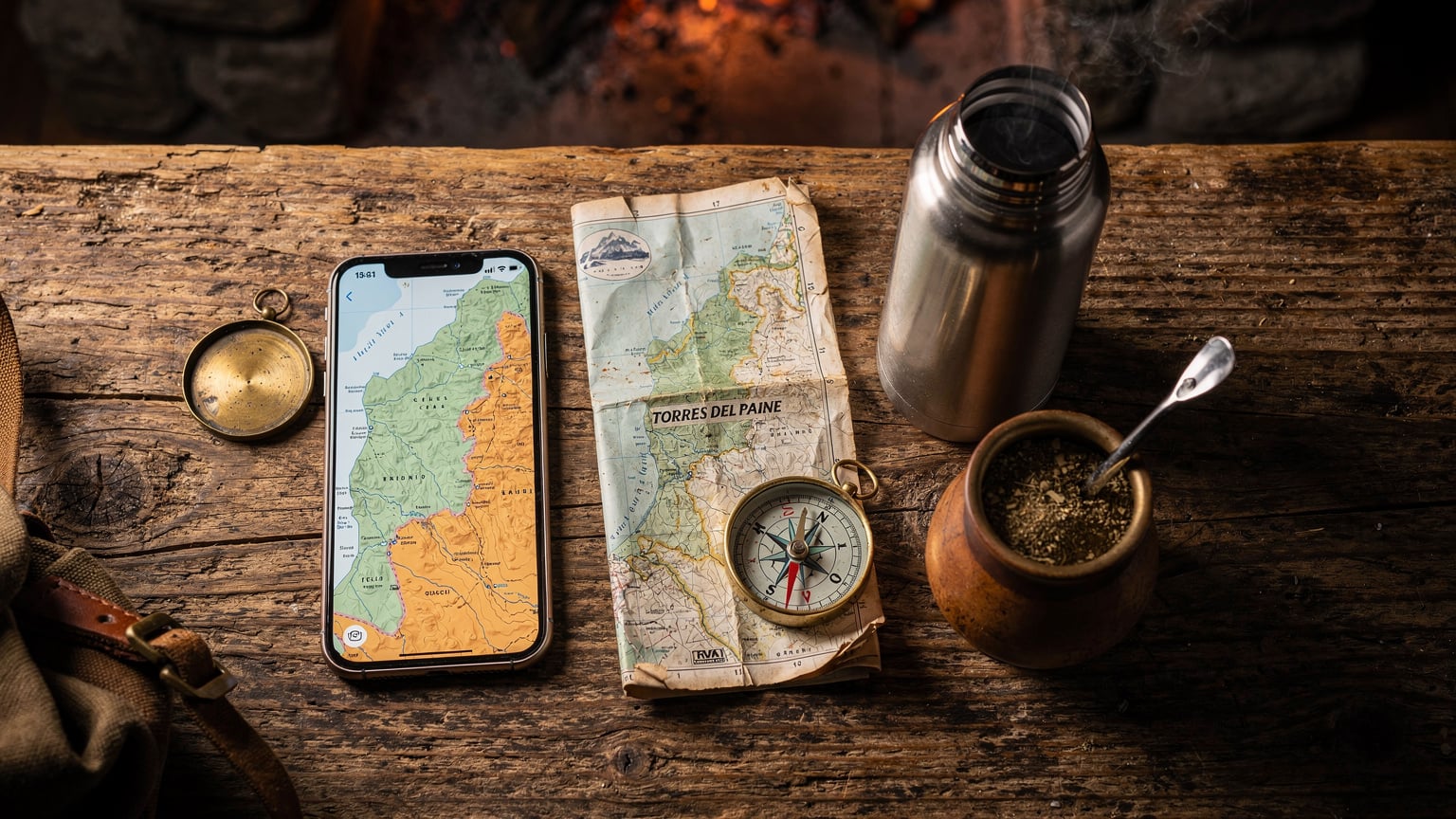
We’ve learned the hard way that a paper map is great, but a dynamic, GPS-enabled map on a device with live data can be a lifesaver when the Patagonian winds suddenly whip up a whiteout, or a trail marker has gone missing. This isn't just about convenience, it's about making sure your family's adventure stays safe and memorable for all the right reasons.
Why an eSIM is Your Best Patagonia Companion
For a family venturing into Patagonia, an eSIM isn't just another gadget, it's a foundational piece of your travel planning puzzle. It streamlines connectivity, cuts costs, and most importantly, enhances safety. Imagine arriving in Buenos Aires, connecting instantly, and keeping that same data plan as you fly south to Ushuaia and then cross into Chile. No hunting for local SIM cards, no language barriers at a phone shop, no fumbling with tiny plastic cards in freezing temperatures.
The beauty of an eSIM lies in its flexibility. You can purchase a regional plan that covers both Argentina and Chile, or even a global plan if Patagonia is just one stop on a larger South American adventure. This eliminates the need for multiple physical SIMs and the constant swapping, which, let's be honest, is a recipe for losing something important when you're juggling kids, backpacks, and a sense of direction.
From a parent's perspective, this means fewer headaches and more time enjoying the incredible landscapes. It also means I can monitor my data usage across multiple devices, ensuring the kids' iPads have enough juice for their crucial offline games and pre-loaded Disney+ episodes without blowing our navigation budget.
Seamless Border Crossings and Multi-Country Coverage
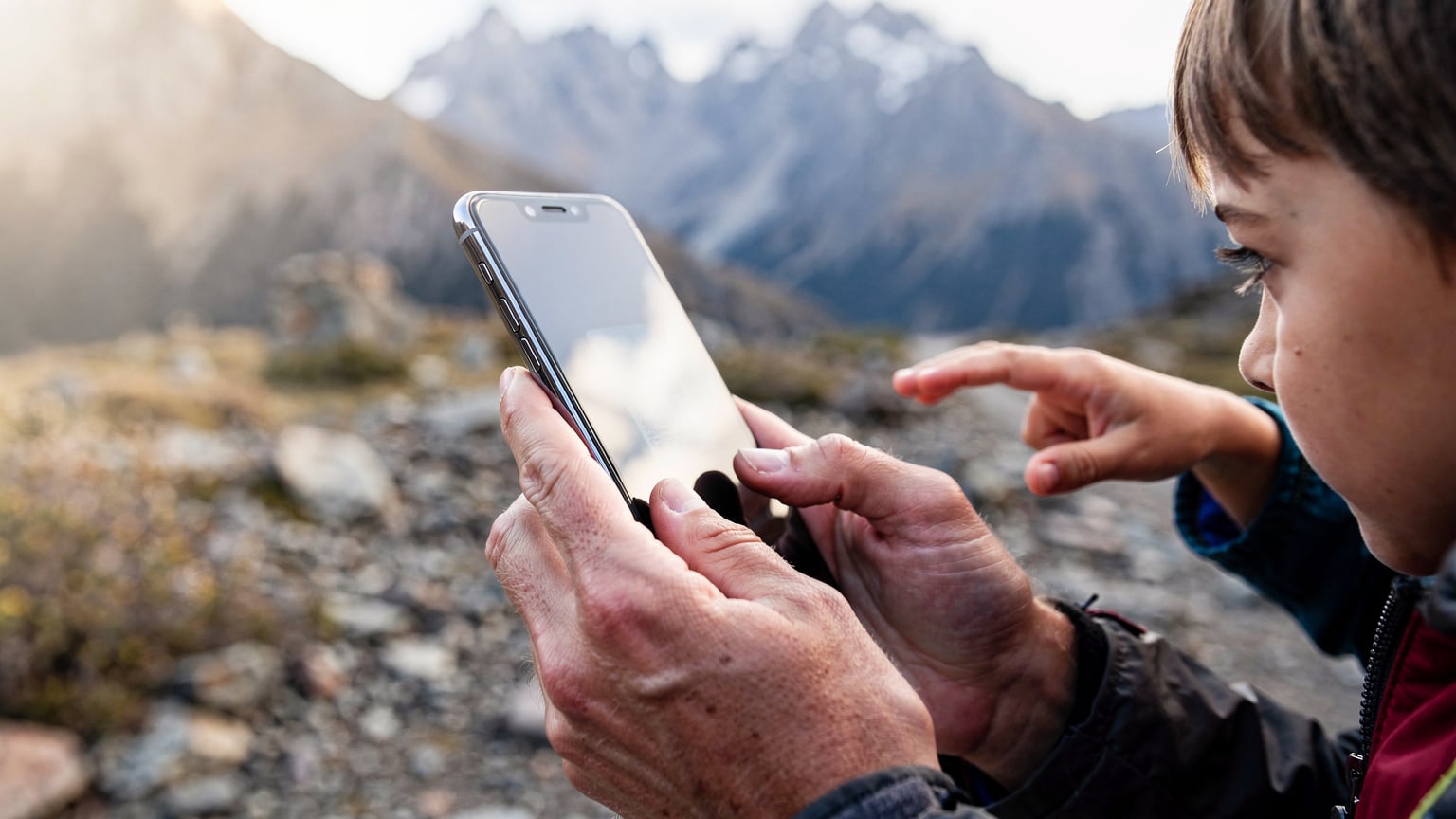
Patagonia often involves crossing between Argentina and Chile, sometimes multiple times. With a traditional SIM, this would mean activating a new plan or facing exorbitant roaming charges. An eSIM can provide coverage across both countries, offering a continuous connection. This is particularly crucial when you're coordinating with guides, checking bus schedules for destinations like El Chaltén to Puerto Natales, or just making sure the kids can send a quick message to grandma.
We once had a bus delay near the Cardenal Samoré Pass, right on the border, and the ability to instantly check updated schedules and communicate with our next lodging was invaluable. Without that seamless connectivity, we would have been completely in the dark, and with two hungry, tired kids, 'in the dark' is not a fun place to be.
Cost-Effective Data for the Entire Family
Let's talk budgets, because travel with kids, especially to a place like Patagonia, adds up quickly. Roaming charges from your home carrier are often astronomical, making even a quick map check feel like a luxury. Local SIMs can be cheaper, but the hassle factor and the need to buy multiple for family devices often negate the savings.
eSIMs, especially multi-country or regional plans, offer transparent, competitive pricing. You know exactly what you're paying for, and you can top up easily from anywhere. This means I can allocate a generous chunk of data, say 30GB for a two-week trip, knowing that 15GB of that might go to the kids streaming Disney+ movies they've already seen a hundred times. It’s a necessary evil on long travel days, and an eSIM makes it predictable.
Choosing the Right eSIM for Patagonia Families
Selecting an eSIM isn't a one-size-fits-all situation, especially for a family heading to Patagonia. You need to consider data volume, validity period, and most crucially, the specific coverage areas within Argentina and Chile, particularly those remote hiking zones. It's not just about having *some* data, but having *reliable* data where you actually need it.
When I'm comparing plans, I'm looking at several factors. First, the network partners in both countries. Are they major carriers like Movistar or Claro in Argentina, and Entel or Claro in Chile? These tend to have the broadest coverage, even if it's still sparse in truly isolated areas. Second, how much data? As mentioned, with two kids who will inevitably need screen time on long journeys or during downtime, a plan sized for two kids streaming Disney+ (or, more realistically, pre-loaded episodes of 'Bluey' and some Minecraft) is a must. That usually means looking at plans starting from 15-20GB for a week or two, if we're also using it for navigation and general browsing.
Data Needs for Navigation, Entertainment, and Emergencies
Breaking down our family's data usage is key. Navigation apps like AllTrails or Gaia GPS, even with offline maps downloaded, still benefit from live data for real-time updates or to load satellite imagery if you venture off-trail. Emergency communications, while hopefully never needed, require a sliver of data for messaging or a quick call.
Then there's the entertainment factor. On a 12-hour bus ride from El Calafate to Bariloche, those iPads are golden. Pre-loading apps before the flight, like Netflix downloads or educational games, is non-negotiable. But even with pre-loads, having enough data for occasional streaming or app updates keeps the peace. My rule of thumb is to calculate primary usage (maps, messages) and then double it for the 'kid factor'.
| Usage Category | Approximate Data Usage Per Day (GB) | Family Recommendation |
|---|---|---|
| Navigation (Maps, GPS updates) | 0.1 - 0.5 GB | Essential, especially for off-grid trails. |
| Messaging (WhatsApp, iMessage) | 0.05 - 0.1 GB | Low, but crucial for coordination. |
| Emergency Calls/Small Data | Minimal | Vital safety net, even if never used. |
| Kids' Streaming (e.g., Disney+, YouTube Kids) | 2 - 5 GB (per device) | Can be significantly reduced by pre-downloading. |
| Social Media / Web Browsing | 0.5 - 1.5 GB | Adult usage, can be limited. |
| Video Calls (to family back home) | 1 - 2 GB | Use Wi-Fi when available to save data. |
Comparing Regional vs. Local eSIM Plans
For Patagonia, a regional eSIM plan covering both Argentina and Chile is almost always the smarter move. It simplifies your connectivity significantly. While a local plan might offer slightly more data for less money in one country, the moment you cross a border, you're back to square one. Given the intertwined nature of Patagonian travel, a regional plan offers much better value and convenience.
When looking at regional plans, also consider their validity period. A 30-day plan is usually a good bet for a comprehensive Patagonian trip, giving you flexibility without rushing. Some providers also offer flexible top-ups, which is great if you find you're using less or more data than anticipated.
| eSIM Type | Pros | Cons | Best For |
|---|---|---|---|
| Regional (Argentina + Chile) | Seamless border crossings, single plan management, often better value for multi-country trips. | Potentially slightly higher per-GB cost than a deep-discount local SIM in one country. | Most Patagonian itineraries involving both Argentina and Chile, families. |
| Single Country (e.g., Argentina only) | Can offer very competitive rates for high data volumes if staying in one country. | Requires a new plan (or high roaming) when crossing borders. | Travelers focusing exclusively on one side of Patagonia for an extended period. |
| Global Plan | Covers many countries, ideal for longer multi-continent trips. | Usually higher per-GB cost, less tailored local support. | Digital nomads or long-term travelers with complex itineraries beyond Patagonia. |
Prepping Your Devices and Data for Off-Grid Adventure
Preparation is the love language of family travel, and when you're heading somewhere as remote as Patagonia, it's doubly important. This isn't just about packing the right gear, it's about ensuring your devices are ready for limited connectivity and intense usage. Getting your eSIM set up before you even leave home is the first, crucial step.
Beyond the eSIM, it’s about making your devices as self-sufficient as possible. Download everything you might need. I mean everything. Maps, movies, books, podcasts, kid apps. There's nothing worse than a bored child on a long bus ride with no data and no pre-loaded entertainment. Trust me, I've lived it. The silence is golden, until it's broken by the dreaded 'I'm bored!' chorus.
Activating Your eSIM Pre-Departure
The beauty of an eSIM is that you can often activate it before you even step on the plane. This means you land ready to go, without scrambling for Wi-Fi at the airport or dealing with confusing instructions in a foreign language. For a family, this is pure gold. Imagine landing in a new country, tired from a long flight, and not having to worry about connectivity. You can immediately call a taxi, check into your Airbnb, or just let the kids watch a pre-downloaded episode of 'Bluey' without draining your home data.
Here’s a quick run-through:
- Purchase Your eSIM Plan: Head over to a reputable eSIM provider's website. I usually search for specific country or regional plans, like an Argentina eSIM, and then check if it includes Chile. Look for a plan that aligns with your data needs and trip duration.
- Receive Your QR Code: After purchase, you'll typically receive an email with a QR code and detailed instructions. Keep this email accessible, perhaps save the QR code as an image in your photos or print it out as a backup.
- Install the eSIM: Before you leave, in a place with reliable Wi-Fi, go to your phone's Settings > Cellular/Mobile Data > Add eSIM. Scan the QR code. Follow the on-screen prompts. Do NOT activate the plan itself until you land in Patagonia, but the installation can be done beforehand.
- Set Data Roaming Preferences: Once installed, ensure your home SIM is set to 'off' for data roaming (to avoid accidental charges) and that your new eSIM is designated as the primary for data.
Offline Maps and Pre-Loaded Entertainment
Even with an eSIM, relying solely on live data for navigation in remote areas is unwise. Always download offline maps for your hiking routes using apps like Maps.me, Gaia GPS, or AllTrails. These apps allow you to save detailed topographic maps, including trails, elevation profiles, and points of interest, directly to your device. This way, even if you hit a complete dead zone, you can still navigate confidently.
For the kids, pre-loading apps before the flight is a lifesaver. This includes:
- Netflix/Disney+/Amazon Prime Video: Download episodes or movies directly to their devices.
- Audiobooks/Podcasts: Great for long drives when visual entertainment might cause motion sickness.
- Offline Games: Minecraft, Toca Life series, and various puzzle games are excellent choices that don't require an internet connection.
- Educational Apps: Stuff like DuoLingo or geography apps can turn travel downtime into learning time.
Remember, connectivity inside theme parks or on cruise ships, while not strictly 'Patagonia hiking', is a similar challenge. Areas like Port of Ushuaia, a common cruise departure point, will have better coverage than the Beagle Channel itself. Planning for these varied connectivity environments is just smart parenting.
Navigating Remote Trails with eSIM-Enabled Apps
When you're out on the trails of Patagonia, whether it's the less-traveled route to Laguna Toro or a multi-day trek in Los Glaciares National Park, your phone becomes more than just a communication device, it's a critical navigation and safety tool. An eSIM ensures that the apps you rely on for these functions can perform when it matters most.
Even with offline maps downloaded, having a live data connection allows for real-time weather updates, checking trail conditions reported by other hikers, or quickly rerouting if an unexpected obstacle arises. This isn't about being glued to your phone, it's about having an intelligent backup system that keeps your family safe and on track.
Essential Navigation Apps for Patagonia
There are several robust apps that become indispensable in Patagonia, and they truly shine with eSIM connectivity:
- AllTrails: Offers detailed trail maps, elevation profiles, and user reviews. The Pro version allows for offline map downloads and real-time GPS tracking.
- Gaia GPS: Excellent for backcountry navigation, with a wide range of map layers, including satellite imagery and topo maps. Crucial for off-trail exploration.
- Maps.me: Great for detailed offline maps, including walking paths and points of interest, even in small towns like El Chaltén.
- Weather Apps: AccuWeather or local Chilean/Argentinian weather services. Patagonian weather can change in minutes, so up-to-the-minute forecasts are vital.
Before you head out, make sure all your chosen navigation apps are updated, and crucially, download the specific trail maps for your planned routes. Check the map layers, too. Sometimes a simple topographic map is all you need, other times, satellite imagery provides better context for tricky terrain.
Safety and Communication Apps for Peace of Mind
Beyond navigation, an eSIM powers your family's safety net. In an emergency, every second counts, and having a functioning connection for calls or messages can make all the difference. We always have a pre-programmed emergency contact list, including local park rangers and our lodging hosts.
- WhatsApp/iMessage: For quick messages with guides, refugio hosts, or family back home. These use minimal data and are often the most reliable way to communicate in patchy service areas.
- Local Emergency Numbers: Pre-save Argentina's 911 and Chile's 133 for emergencies. Knowing your eSIM provides a stable connection for these critical calls is invaluable.
- Family Tracking Apps: Apps like 'Find My' (Apple) or 'Life360' can be useful for keeping tabs on family members if you momentarily split up, especially in larger, more populated areas or during transit. Just ensure parental-control features are enabled and work over the eSIM line.
Remember, even with an eSIM, true off-grid adventures might take you beyond cellular range. For these instances, a satellite messenger (like a Garmin inReach) is still the gold standard for absolute peace of mind. But for the vast majority of Patagonian trails, an eSIM significantly boosts your safety margin.
Connectivity On The Move, From Bus To Boat
Patagonia isn't just about hiking, it's also about moving between incredible landscapes. Long bus journeys connecting towns like Bariloche, El Chaltén, El Calafate, and Puerto Natales are common. And if you're venturing further south, boat trips through the Beagle Channel or to Magdalena Island are part of the experience. How does your eSIM hold up in these dynamic environments?
Generally, you'll find better connectivity along major transit routes and near populated areas. Even on a long-distance bus, you'll often have signal for much of the journey, allowing for navigation checks, communication, and crucially, keeping the kids entertained. The same goes for coastal boat trips, where signal can often be surprisingly resilient as long as you're not too far offshore.
Keeping Kids Entertained During Transit
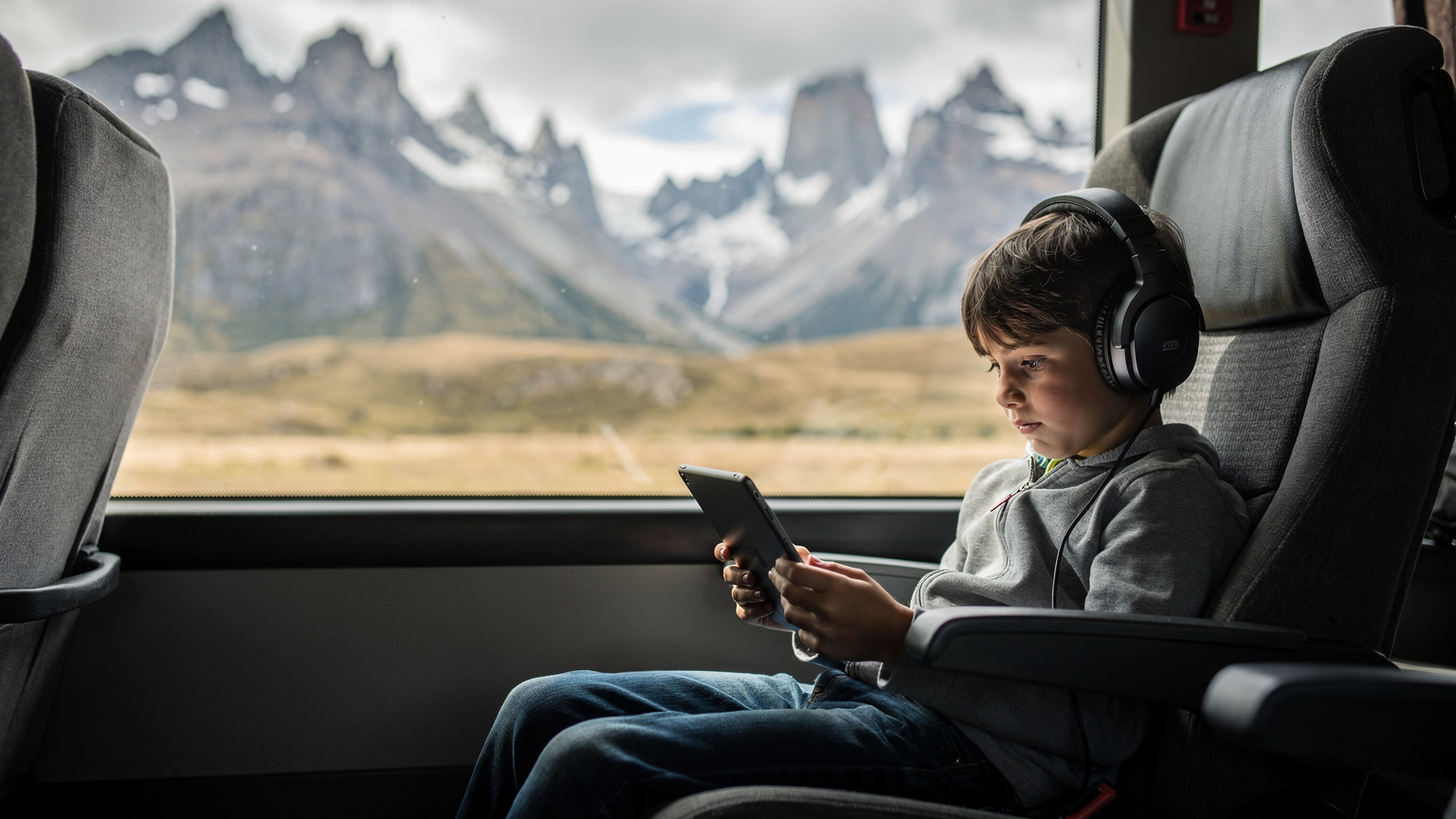
Bus rides in Patagonia can be lengthy, sometimes stretching to 10-12 hours. This is where those pre-loaded apps and a reliable eSIM connection for occasional updates or light streaming truly earn their keep. My kids are masters of the iPad, and a stable connection for their Switch Online (yes, even on the bus) or for downloading a new game when their current obsession runs dry is a parent's secret weapon. We usually set a daily data limit on their devices, but knowing there's a generous pool of data from the eSIM for emergencies or crucial entertainment prevents meltdowns.
Consider also some low-tech options: travel journals, card games, or even just encouraging them to look out the window at the incredible scenery. But let's be realistic, a dose of screen time is often necessary for maintaining parental sanity on long hauls.
Cruise Ships and Ferries: A Different Connectivity Landscape
If your Patagonian adventure includes a cruise to Cape Horn or a ferry through the Chilean fjords, the connectivity landscape shifts. While port cities like Ushuaia or Punta Arenas will have good cellular coverage, once you're out at sea, you're primarily reliant on satellite internet, which is often expensive and slow. This is where strict data management and offline preparation are paramount.
For these segments, use your eSIM for connectivity while in port, and then switch to 'airplane mode' for data once at sea. This prevents accidental roaming charges from satellite networks. Ensure all entertainment for the kids, and any critical information for yourself, is downloaded beforehand. A good book, a stack of downloaded movies, and plenty of charging banks are your best friends here.
Managing Kids' Devices and Screen Time in the Wild
The eternal struggle: screen time. It's a balance we constantly navigate at home, and it doesn't magically disappear when you're trekking through the Andes. In fact, it can become even more pronounced. On one hand, devices are essential for navigation and safety. On the other, we want our kids to actually *see* Patagonia, not just the inside of their iPads. An eSIM, surprisingly, plays a role in finding that balance by offering parental-control features that work on the eSIM line.
Many devices and operating systems (like iPhone 17 Pro Max & eSIM: Your Family's 2026 Guide to Flawless Roaming) allow you to set screen time limits and content restrictions that function independently of whether you're on Wi-Fi or cellular data. This is crucial for managing usage even when you're relying on your eSIM for internet access.
Parental Controls and Data Limits on eSIM-Enabled Devices
When you're out in the wild, you want to be present, but you also need to manage expectations and device usage. Here's how we approach it:
- Set Screen Time Limits: Use built-in parental controls on iOS (Screen Time) or Android (Digital Wellbeing) to set daily limits for apps or categories. This works for cellular data usage as well.
- App Restrictions: Block access to certain apps or websites during specific times, like during hikes or family meals.
- Data Usage Monitoring: Regularly check data usage on your primary device, and on the kids' devices if they have their own eSIMs. If they're using your hotspot, monitor your own data consumption closely.
- Communicate Expectations: Before the trip, have an honest conversation with the kids about device usage, when it's appropriate, and why it's sometimes necessary to conserve data or simply disconnect.
It's about having the tools to control, but also fostering an understanding. We've found that when the kids know there's a limit, they tend to be more mindful of what they're doing online.
The Joy of Disconnecting (While Still Being Able to Connect)
There's a unique joy in truly disconnecting and being immersed in nature. Patagonia offers abundant opportunities for this. Our rule is often 'no screens on the trail,' with devices reserved for navigation, photography, or emergencies. The beauty of an eSIM is that it allows for this intentional disconnection, knowing that if a true need arises, you can instantly reconnect.
This peace of mind allows you to fully engage with the majesty of the surroundings, listen to the wind whisper through the lenga trees, and truly connect with your family without the constant hum of notifications. It's not about being off-grid, it's about being 'smart-grid' – connected when you need to be, and blissfully unplugged when you choose to be.
"The best adventures are those where you're present, not just poking at a screen. But for a family, knowing you can reach out in an emergency, or simply confirm your next bus, lets you be present without the underlying worry. That's the real power of a smart eSIM."
Troubleshooting and Support When You're Far From It All
Even with the best planning, travel can throw curveballs. And when you're in a remote corner of Patagonia, a connectivity issue can feel magnified. Knowing how to troubleshoot common eSIM problems and where to find support is crucial. This is where a reliable eSIM provider truly shines, offering robust customer service that understands the nuances of international travel.
I've had my fair share of connectivity hiccups, from a suddenly non-working QR code to an activated plan showing no service. The key is not to panic and to have a few basic troubleshooting steps in your back pocket. Most issues are minor and can be resolved quickly.
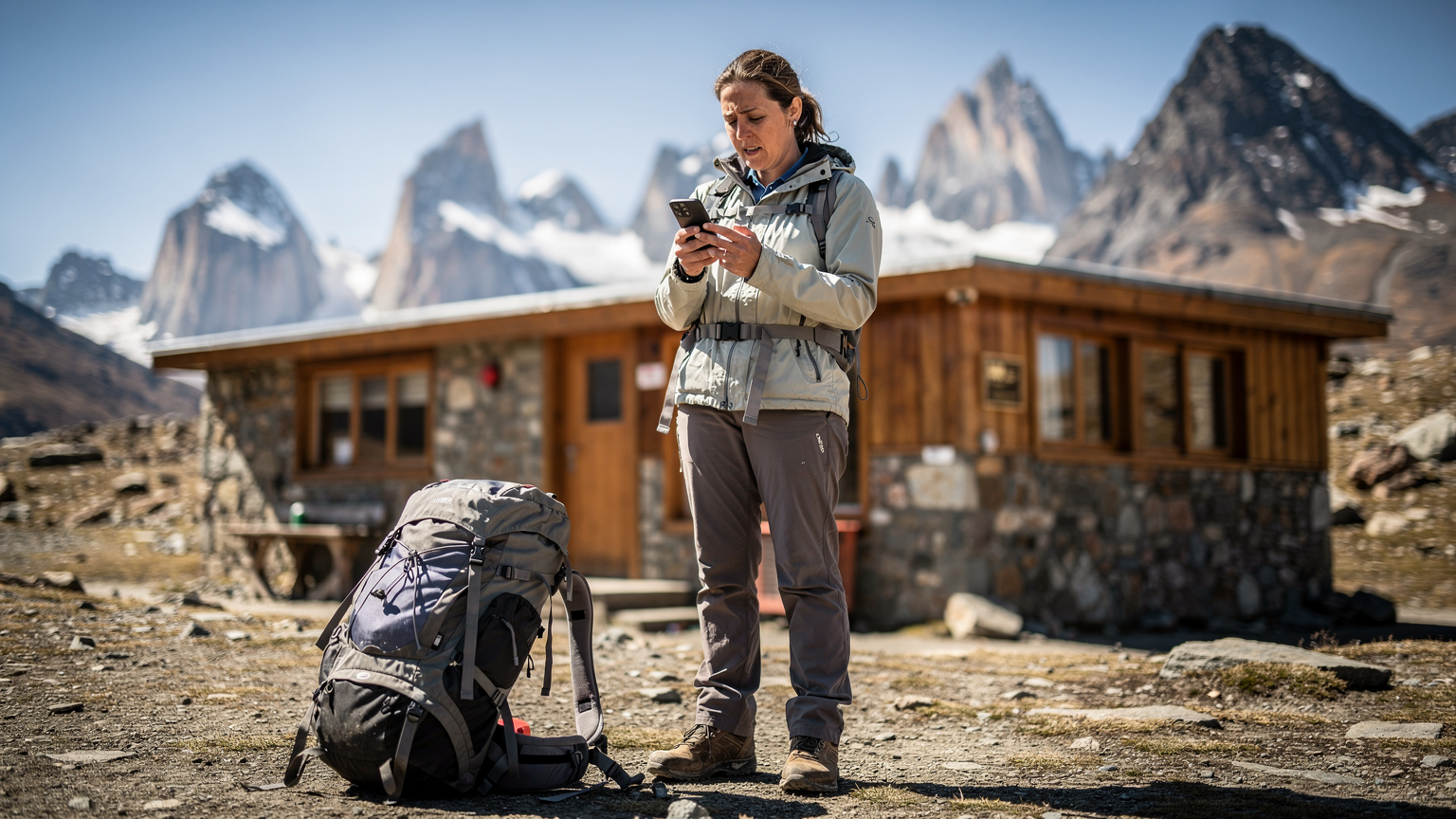
Common eSIM Troubleshooting Steps
If your eSIM isn't connecting, try these steps:
- Restart Your Device: The classic fix, but often effective. A simple reboot can resolve many temporary network glitches.
- Check APN Settings: Sometimes, the Access Point Name (APN) settings need to be manually configured. Your eSIM provider's instructions should detail this.
- Toggle Airplane Mode: Turn airplane mode on for 30 seconds, then off again. This forces your device to search for a new network connection.
- Confirm Data Roaming is ON for eSIM: Ensure data roaming is enabled for your eSIM profile in your phone's settings. (And double-check it's OFF for your home SIM!)
- Check Network Selection: Try manually selecting a network operator in your phone's settings (e.g., Movistar, Claro, Entel). Sometimes your phone might be trying to connect to a weaker, unsupported network.
- Review Plan Status: Log into your eSIM provider's app or website to confirm your plan is active and has data remaining.
If these steps don't work, it's time to reach out for support. This is where a provider with 24/7 customer service and multiple contact methods (chat, email) becomes invaluable. Being able to connect with someone from a remote refugio via Wi-Fi (if available) or even a satellite messenger is a huge relief.
When to Contact Customer Support
Don't hesitate to contact support if:
- You've tried the basic troubleshooting steps and still have no service.
- Your eSIM activation fails repeatedly.
- You're receiving error messages about your eSIM profile.
- You're unsure about specific network settings for a particular region in Patagonia.
A good eSIM provider will have comprehensive FAQs (like our own FAQ page) and a responsive support team who can guide you through more complex issues, even when you're thousands of miles from home. Remember, they want you connected as much as you do.
| Issue | Quick Fix | When to Contact Support |
|---|---|---|
| No Service/No Data | Restart phone, toggle Airplane Mode, check Data Roaming for eSIM is ON. | After trying all quick fixes, if issue persists for over 30 minutes. |
| eSIM Activation Failed | Ensure Wi-Fi is strong during activation, retry scanning QR code. | If QR code repeatedly fails to install or gives an error. |
| Slow Speeds/Intermittent Connection | Manually select a different network operator in settings. Move to a different location. | If speeds are consistently unusable across different locations and networks. |
| Data Runs Out Unexpectedly | Check individual app data usage, ensure no background downloads. | If discrepancy between your usage and reported data consumption is significant. |
| Can't Make Calls/Send SMS | Confirm your eSIM plan includes voice/SMS if needed (many are data-only). | If plan includes voice/SMS but feature is not working. |
Patagonian eSIM: The Ultimate Peace of Mind
Our family's adventures have taken us to some truly incredible places, and Patagonia stands out as one of the most majestic. The sheer scale of the landscape, the power of the glaciers, and the challenge of the trails create memories that last a lifetime. But those memories are even sweeter when you know you've planned thoughtfully, especially when it comes to something as fundamental as connectivity.
For us, an eSIM isn't just a technical detail, it's a foundational element of responsible family travel. It means we can push a little further on those remote trails, knowing a quick map check or an emergency call is within reach. It means the kids can have their moments of digital downtime on long bus rides, and I can manage their usage without a constant battle. It means seamless border crossings and predictable costs, eliminating a whole layer of stress.
So, as you dream of those Patagonian peaks and vast, open spaces, remember to pack your sense of adventure, your sturdy hiking boots, and most importantly, a reliable eSIM. It's the silent hero that lets you truly immerse yourselves in the wild, knowing you're always just a tap away from the world, or help, if you need it. Happy trails!
Frequently Asked Questions
Will my eSIM work on all Patagonian hiking trails?
While eSIMs significantly improve connectivity, truly remote areas in Patagonia, particularly deep in national parks or high mountain passes, may still have limited or no cellular signal. Always download offline maps and consider a satellite communication device for extreme isolation. Your eSIM will provide the best possible coverage where networks exist.
What data plan size is best for a family with kids streaming content?
For a family with two children who might stream content on long journeys, a plan of at least 15-20GB per week is recommended. This allows for navigation, adult browsing, and some kid entertainment. Pre-downloading movies and games significantly reduces data consumption.
Can I use parental controls with an eSIM?
Yes, parental controls and screen time management features built into your smartphone's operating system (like Apple's Screen Time or Android's Digital Wellbeing) will work with an eSIM connection. These features manage app usage and content, regardless of whether you're on Wi-Fi or cellular data.
Is connectivity reliable inside Patagonian theme parks or on cruise ships?
Connectivity inside theme parks (if any, though less common in Patagonia) and on cruise ships varies. Port cities like Ushuaia or Punta Arenas will have good eSIM coverage. Once at sea on a cruise, you'll primarily rely on expensive satellite Wi-Fi, so plan to download all necessary content beforehand and use your eSIM only in port.
Should I download apps and maps before my flight to Patagonia?
Absolutely. Pre-loading apps before your flight, including navigation apps with offline maps (e.g., AllTrails, Maps.me), and entertainment apps with downloaded content (e.g., Disney+, Netflix), is crucial. This ensures you have access to essential information and entertainment even without an immediate internet connection.
What should I do if my eSIM isn't working in Patagonia?
First, restart your phone and toggle airplane mode on/off. Check that data roaming is enabled for your eSIM profile and that your plan is active. If issues persist, manually select a network operator in your phone settings or contact your eSIM provider's customer support for assistance.