

The Overland Connectivity Dilemma: Why Local SIMs Fall Short
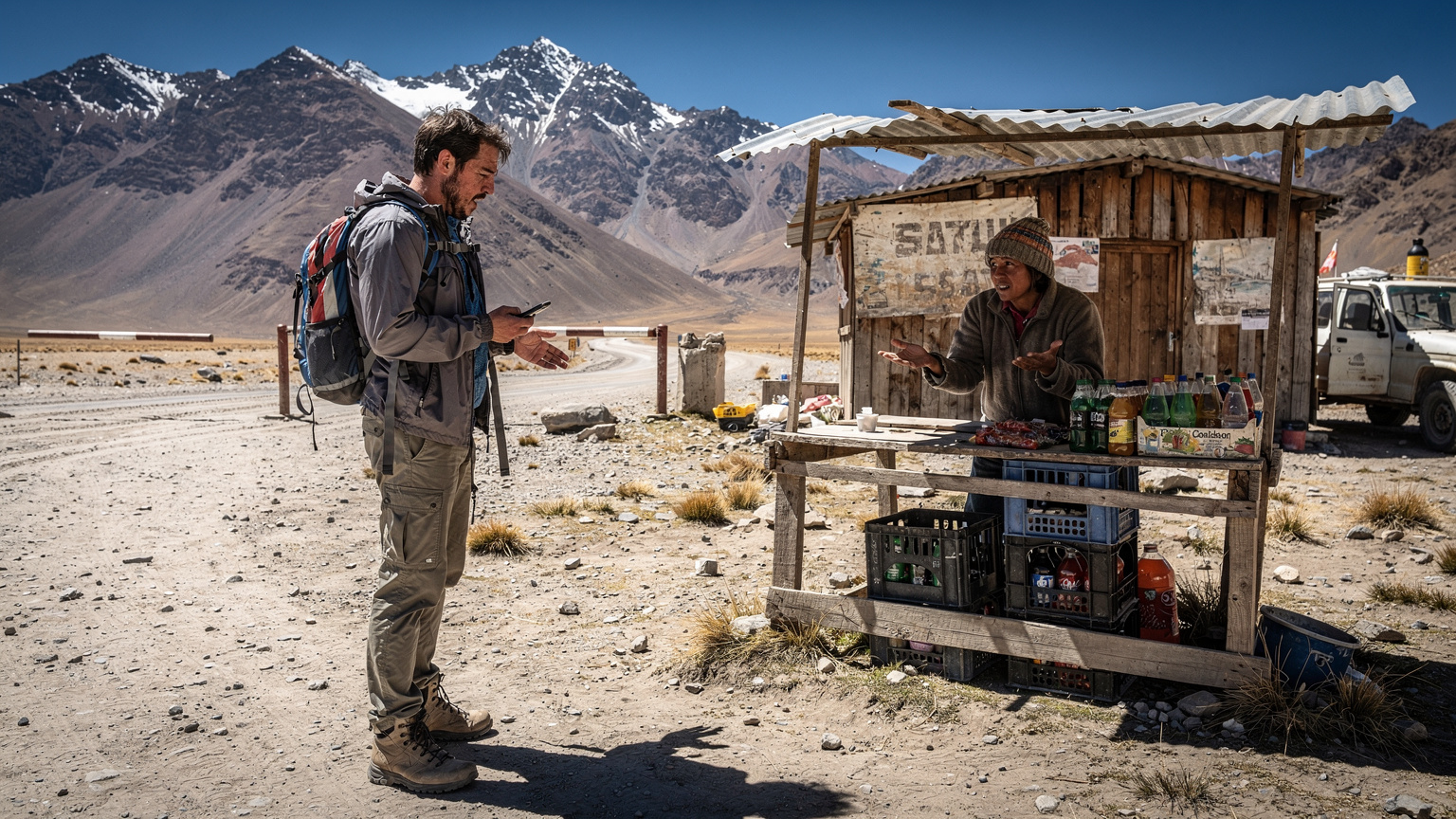
Four years on the road, moving between countries every few months, you learn a thing or two about what actually works and what just looks good on paper. When you're planning an overland expedition, say, from Tierra del Fuego up to Colombia, the idea of buying a local SIM in every single country sounds like a solid budget move. And it can be, for a short stay. But for a multi-month, multi-border trek, it’s a recipe for headaches you don't need when you're already wrangling border crossings, questionable road conditions, and the occasional bout of food poisoning. I've been there, fumbling with tiny SIM trays at a dusty border post in Bolivia, trying to explain to a vendor who only speaks Quechua that I just need 10GB for a month. It's a time sink and a stress multiplier.
The biggest issue isn't just the language barrier or the questionable data plans, it's the sheer inconsistency. One country's 'unlimited' plan might throttle you after 5GB, another's '4G' is barely 3G, and then there's the activation process itself. Some local SIMs, like those in India, require an Aadhaar number for activation, which you, as a foreigner, simply won't have. Others, particularly in certain parts of Latin America, demand proof of local residence or a tax ID. Suddenly, your simple data purchase becomes a bureaucratic nightmare, eating into precious daylight hours you could be using to actually drive or explore. (Believe me, I once spent half a day in a Buenos Aires Movistar store just trying to get a SIM registered to my passport, only for it to stop working a week later in Salta.)
The Logistical Nightmare of Physical SIM Cards
Imagine this: you've just crossed into Peru from Chile. You're tired, dusty, and all you want is to check your route and find a hostel. But your Chilean SIM is now useless, and the nearest town with a reputable phone shop is hours away. Even if you find one, you're looking at a 30-minute to an hour-long process, depending on how many other travelers are also trying to get connected. You're doing this every few weeks, potentially every few days if your route is ambitious. That's valuable time lost. Plus, keeping track of a dozen tiny plastic cards, hoping you don't lose the one that still has data for that one specific country you're returning to in six months, is just impractical.
Inconsistent Coverage and Unreliable Speeds
Local SIMs are optimized for local networks, which sounds good until you realize that 'local' often means 'urban centers and major highways'. Venture off the beaten path, which is exactly what overland expeditions are all about, and that signal can vanish faster than your last empanada. A multi-country eSIM, particularly one designed for wider regional coverage, often aggregates networks, meaning it can switch between available providers in a given area, giving you a better chance of maintaining a signal where a single local SIM might fail. This is crucial when you're trying to navigate unpaved roads in Patagonia or looking up emergency contacts in the remote reaches of the Karakoram.
What Makes a Multi-Country eSIM Expedition-Ready?
An expedition-ready multi-country eSIM isn't just about having data in multiple places; it's about resilience, predictable performance, and the ability to manage your connectivity with minimal fuss, even when you're miles from the nearest paved road. It’s the difference between smooth sailing and pulling your hair out when you need to send a crucial update to family or access an urgent weather report.
Broad Regional Coverage, Beyond Borders
The core advantage of an overland-specific eSIM is its expansive regional coverage. Instead of a handful of countries, you're often looking at entire continents, like South America, Europe, or Asia, all under one plan. This means crossing a border, say from Laos into Cambodia, doesn't necessitate a new connectivity strategy. Your phone just latches onto the next available partner network, and you're good to go. This kind of seamless transition is invaluable when you're dealing with multiple checkpoints and customs officials. For example, a good regional plan might cover you from Albania through Montenegro, Bosnia, and into Serbia, which would be 4 individual SIM purchases otherwise (and that's a quick four-country sprint many Balkan travelers do). You can find these kinds of plans for specific regions, like a WestESIM plan for USA cross-country road trips, or even broader global options.
Data Reliability and Speed in Remote Areas
Reliability isn't just about having a signal, it's about having a usable signal. While no cellular solution is foolproof in truly off-grid areas, a robust multi-country eSIM often partners with the strongest national carriers in each region, giving you the best possible chance of decent speeds. For instance, in Peru, a good eSIM will likely connect you to Claro or Movistar, which have surprisingly good coverage along major routes, even through the Sacred Valley. I've managed video calls from the side of a mountain road near Huaraz, using Claro's network, which was impressive. (Of course, don't expect fibre-optic speeds in the middle of the Salar de Uyuni, but you'll get enough to send messages and load maps.)
Flexible Data Packages for Long-Duration Travel
Overland trips aren't typically a week long. They're often months, sometimes even years. That means you need plans that cater to this. Look for eSIMs with longer validity periods, like 30, 60, or even 90 days, and tiered data options. It's often more cost-effective to buy a larger data package upfront for a longer duration, rather than constantly topping up smaller plans. Some providers even offer regional passes that renew monthly, which can be ideal for truly indefinite travel.
Picking Your Multi-Country eSIM Plan: Data Needs and Coverage
Choosing the right multi-country eSIM is like picking the right tires for your rig: it has to match the terrain. You wouldn't take highway slicks on a jungle track, and you shouldn't pick a data plan that's going to leave you stranded digitally in the middle of nowhere. It all comes down to understanding your actual usage and the specific regions you'll be traversing.
Assessing Your Data Consumption on the Road
This is where most people get it wrong. They either drastically overestimate or underestimate. On the road, especially in remote areas, you're not streaming Netflix in 4K. You're using data for navigation (Google Maps, Gaia GPS), communication (WhatsApp, Telegram), occasional research, and maybe some light social media. Video calls eat data fast, so try to keep those for when you hit a town with reliable Wi-Fi, like at the Regus co-working space in Medellín's El Poblado district (where a decent desk can be around $150-200 USD/month, by the way). For most overland trips, 10-20 GB per month per person is a reasonable starting point. If you're tethering a laptop for actual work, then you're looking at 50 GB+. (Remember, some providers offer unlimited data eSIMs that allow tethering globally, which can be a lifesaver for heavy users.)
| Usage Type | Estimated Monthly Data | Notes |
|---|---|---|
| Navigation (Maps, GPS) | 2-5 GB | Offline maps help significantly. |
| Messaging (WhatsApp, Telegram) | 1-3 GB | Text & voice notes, light photo sharing. |
| Email & Light Browsing | 3-7 GB | Checking news, booking accommodations. |
| Social Media (moderate) | 5-10 GB | Scrolling, light video, uploading photos. |
| Video Calls (HD) | 2-4 GB/hour | Use sparingly, prefer Wi-Fi. |
| Tethering (laptop work) | 20-100+ GB | Highly variable, depends on workload. |
Evaluating Country and Regional Coverage
This is non-negotiable. Before you buy, check the specific country list. A 'global' eSIM might cover 100+ countries, but does it cover the particular string of 12 countries you're driving through? For example, if you're doing a big South American loop, ensure it covers Argentina, Chile, Bolivia, Peru, Ecuador, and Colombia. Some plans might skip smaller, less frequently visited countries. Always cross-reference with your planned route. Pay attention to the specific local carriers mentioned, if any. Strong partnerships mean better chances of signal in more remote areas. For instance, in Brazil, having access to Vivo or TIM is key, while in Peru, it's Movistar and Claro.
Cost Comparison and Value for Money
It's not always about the cheapest per GB. Consider the total cost over your expedition duration. A 10GB plan for 30 days might look cheaper than a 30GB plan for 90 days, but if you're traveling for three months, the latter often works out to be far more economical per day and saves you the hassle of multiple purchases. Think about the overall value, including the peace of mind. For example, a basic monthly rent in Chiang Mai's Nimman area can be around 8,000-12,000 THB (approx $220-330 USD) for a studio apartment, which gives you a good cost-of-living anchor for daily expenses. Compare that to your data plan costs. For context, 20GB for a month across Southeast Asia might run you $30-50 USD, which is a small price for reliable connectivity.
Real-World Scenarios: Himalayas to Andes with a Single eSIM
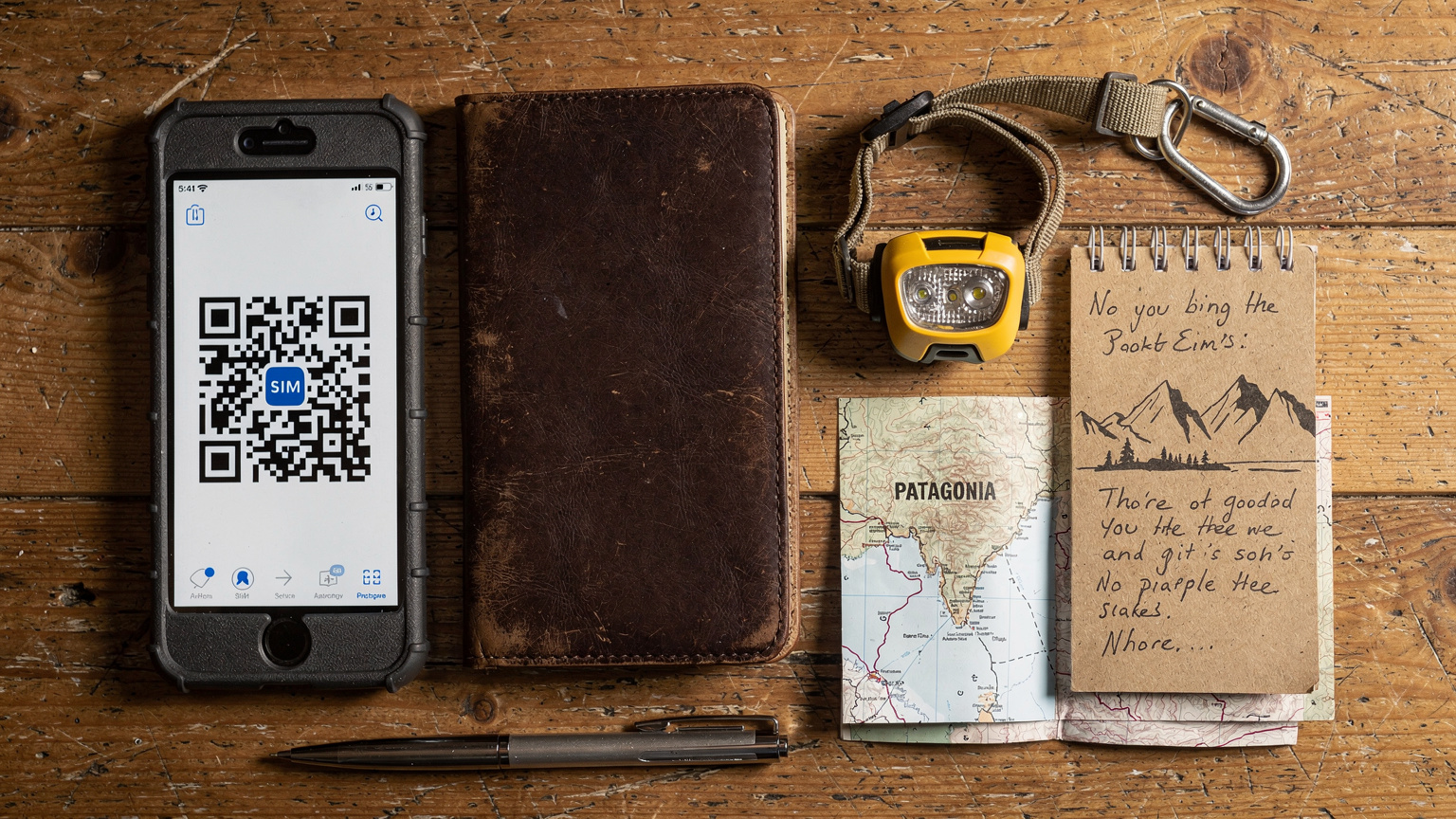
Let's talk brass tacks. How does this actually play out when you're navigating real-world challenges, not just theoretical ones? I've seen it all, from trying to book a last-minute guesthouse in Leh to coordinating a vehicle repair in rural Argentina. A single, reliable eSIM isn't just convenient, it's a critical tool.
The Himalayan Traverse: India, Nepal, Bhutan
Imagine tracing the ancient Silk Road, moving through India, Nepal, and Bhutan. Each country has its own SIM card requirements, often with different verification processes. In India, for instance, getting a SIM can be a multi-day ordeal requiring passport photos and local references, sometimes even an Aadhaar link for specific apps like UPI payment services. With a multi-country eSIM, you land in Delhi, activate, and you're immediately connected. As you drive into Nepal, then on to Bhutan (where tourist infrastructure is tightly controlled, and local SIM acquisition can be tricky), your data just keeps working. You can use mapping apps like Maps.me, which works offline, but having live data for traffic updates or to call a local contact is invaluable. For example, when my rental SUV broke down outside Pokhara, Nepal, I used my eSIM to call the rental company and then Google Translate to communicate with the local mechanic. Without that, I'd have been properly stuck. The co-working spaces in Thamel, Kathmandu, like The Hub, offer decent Wi-Fi, but you need data to even get there.
The Patagonian Loop: Argentina, Chile
The vastness of Patagonia is legendary, and so is its patchy cell service. Driving from El Calafate, Argentina, down to Ushuaia, and then crossing into Chile for Torres del Paine, means multiple border crossings in often isolated areas. Argentine and Chilean SIMs are generally easier to acquire than Indian ones, but the coverage outside major towns like Puerto Natales or Bariloche can be spotty. A multi-country eSIM that intelligently roams across Movistar, Claro, and Personal in Argentina, and Entel and Movistar in Chile, offers far better continuity. I've used this exact setup to coordinate wild camping spots using iOverlander and check weather forecasts before embarking on a multi-day hike in the Chilean fjords. The ability to switch between networks automatically means you're always on the strongest available signal, which can literally be a lifesaver when navigating remote mountain passes. When I was in El Chaltén, the Wi-Fi at my hostel was abysmal, but my eSIM kept me connected to my WhatsApp groups, where fellow travelers share real-time road condition updates.
Installation and Management: Keeping Your eSIM Ticking Along the Trail
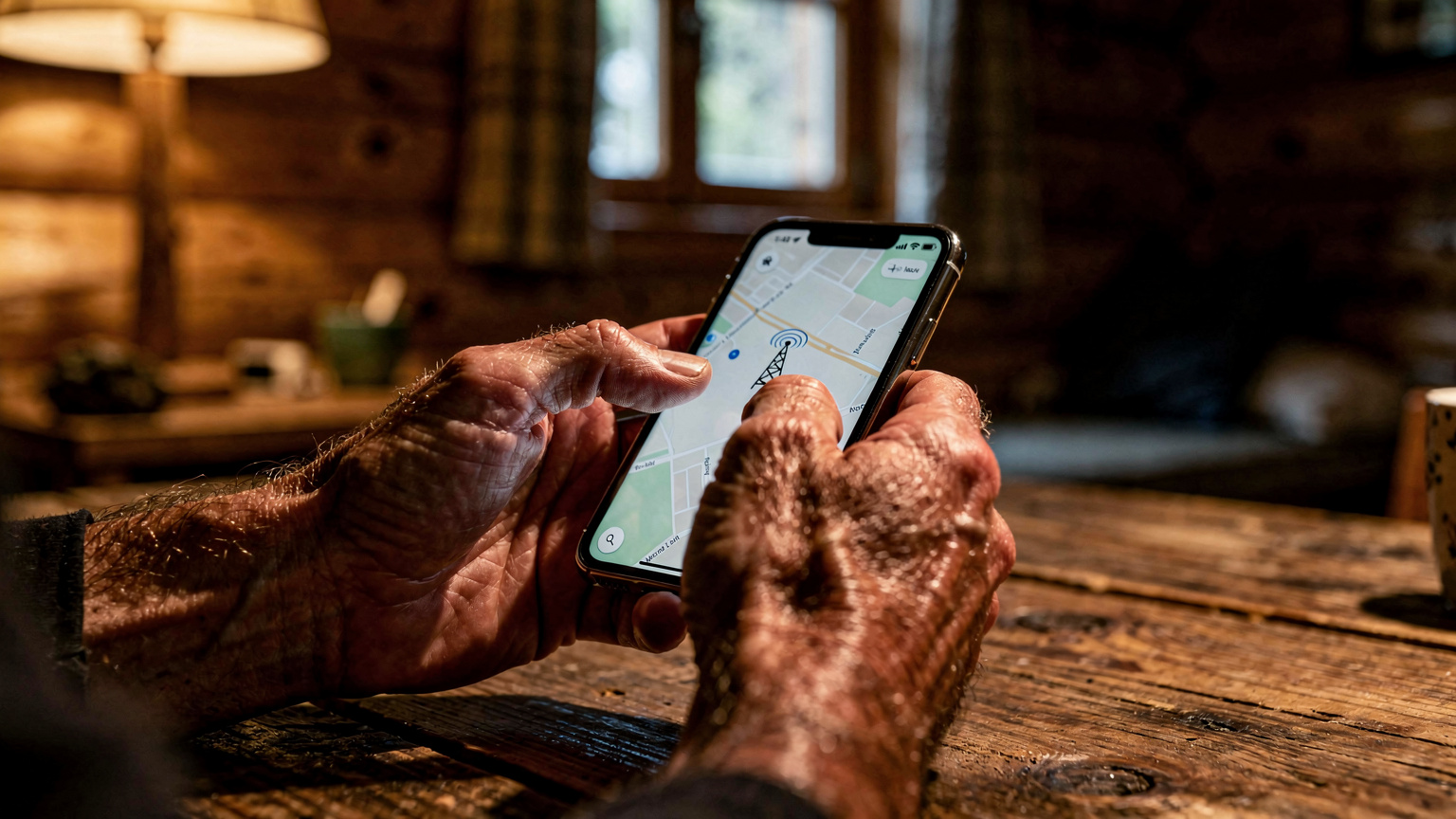
The beauty of eSIMs, especially on a long overland journey, is their simplicity. But 'simple' doesn't mean 'no thought required'. You still need to manage them properly to get the most out of your connectivity, particularly when you’re dealing with limited access to Wi-Fi or reliable power.
Activating Your eSIM: The Easy Way
Activating an eSIM is generally a breeze, a stark contrast to the physical SIM card dance. Most modern smartphones support eSIMs, including the latest iPhones (you can even find guides for iPhone 17 eSIM setup for Korea trips). Here’s the typical process:
- Purchase Your eSIM Plan: Select a multi-country or regional plan that covers your expedition route.
- Receive QR Code or Manual Details: The provider will send you an email with a QR code or manual activation details.
- Connect to Wi-Fi: Before you leave home, or at the first airport with reliable Wi-Fi, ensure your phone is connected.
- Add Cellular Plan: Go to your phone's Settings > Cellular/Mobile Data > Add Data Plan.
- Scan QR Code: Use your phone's camera to scan the QR code. If scanning fails, enter the manual details provided.
- Label Your Plan: Name your new eSIM something descriptive, like 'Expedition eSIM' or 'Andes Data'. This is crucial if you have multiple eSIMs installed.
- Set as Primary for Data: Ensure your new eSIM is set as the primary line for cellular data. Keep your home SIM active for calls/texts if needed, but disable data roaming on it.
Do this at home, or at least before you hit the truly remote areas. Don't wait until you're in the middle of nowhere with no signal to try and activate it.
Monitoring Data Usage and Topping Up
Data monitoring is key to avoiding unexpected cut-offs. Many eSIM providers have their own apps or web portals where you can track your remaining data in real-time. Check this regularly, especially after heavier usage days. When you need to top up, it’s usually as simple as purchasing an add-on package through the same app or website. This typically takes minutes and the new data is applied almost instantly, assuming you have some form of connectivity to complete the purchase. I always recommend buying a top-up when you still have a few GB left, not when you're down to zero, just in case the transaction takes a moment or you hit a temporary signal dead zone.
Managing Multiple eSIMs and Physical SIMs
Most modern phones allow you to store multiple eSIM profiles and still use a physical SIM. This is fantastic for overland travel. You can keep your home SIM active for calls from family (just remember to turn off data roaming on it to avoid bill shock), while your multi-country eSIM handles all your data needs. Labeling your plans clearly in your phone settings prevents confusion. You can switch between them easily from your phone's cellular settings. It’s a game-changer for digital nomads who might also need a local SIM for specific, country-locked services (some Brazilian banks, for instance, really want a local number for OTPs) without losing their primary data connection.
Troubleshooting Remote Connectivity: When the Signal Fades
Even the best multi-country eSIM will hit dead zones. It’s the nature of overland travel. The key is knowing what to do when that signal drops out, so you're not left entirely disconnected and panicking. I've had my share of 'no service' moments, usually right when I needed to check a critical road closure.
Basic Checks and Restarts
Before you blame the eSIM or the provider, do the obvious:Check your phone's settings: Ensure your eSIM is active and selected for cellular data. Make sure data roaming is turned ON for your eSIM. (It's often off by default for new profiles.)Toggle airplane mode: Sometimes, cycling airplane mode on and off forces your phone to re-scan for networks.Restart your phone: The oldest trick in the book, but it works surprisingly often. A full reboot can clear temporary glitches.Check for local network issues: If you're in a populated area, ask locals if there's a general outage. Sometimes the entire network is down, not just your specific connection.
Manual Network Selection
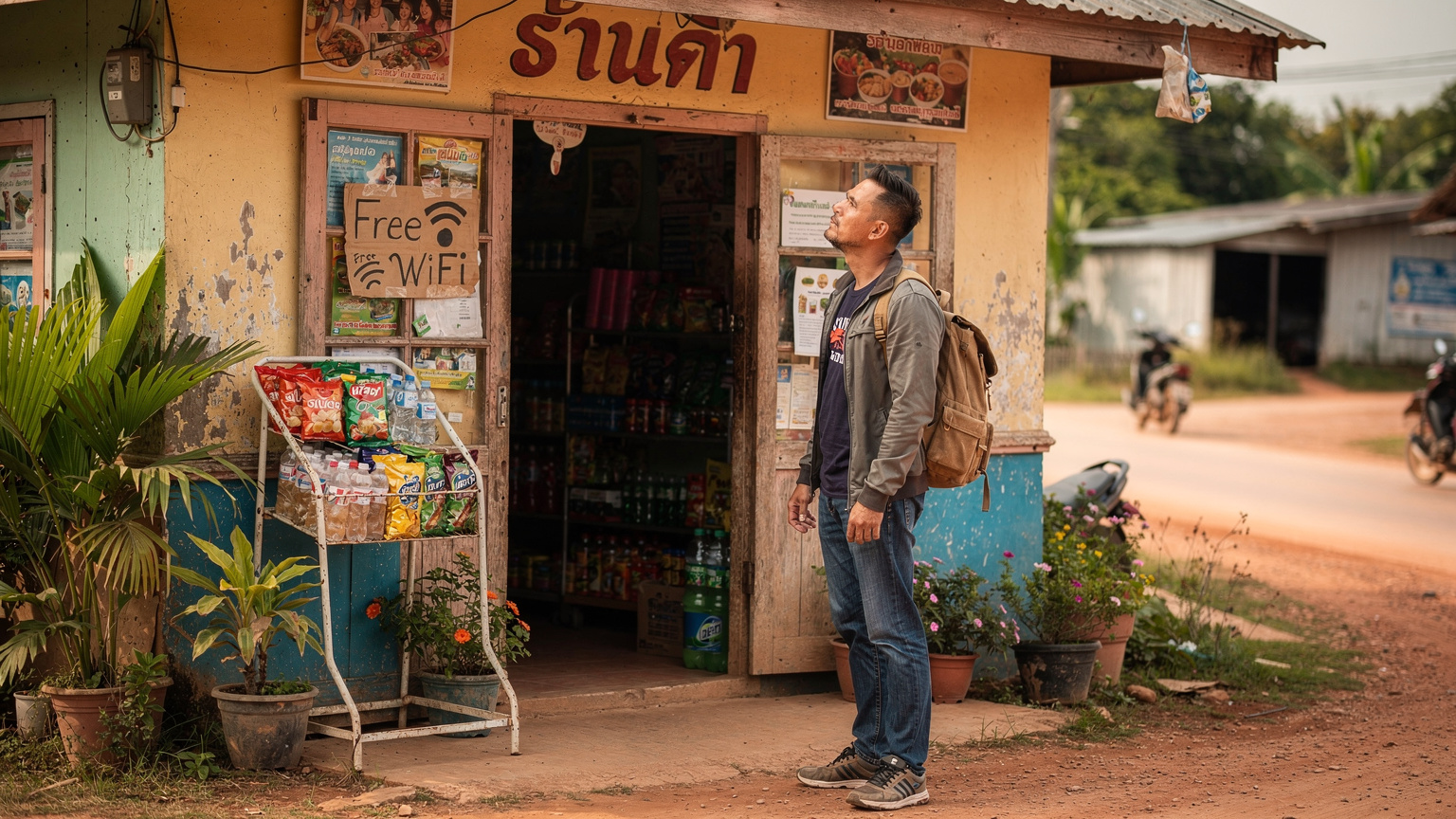
If your phone isn't automatically connecting, try manually selecting a network. Go to your phone's Cellular/Mobile Data settings, find your eSIM profile, and look for 'Network Selection' or 'Carrier'. Turn off 'Automatic' and let your phone scan for available networks. You'll see a list of local carriers. Try connecting to each one, one by one. Sometimes, your eSIM provider might have multiple partner networks in a given country, and one might have a stronger signal in your specific location. This is especially useful in border regions where your phone might be clinging to a weak signal from the previous country.
Contacting Support: When All Else Fails
If you've tried everything and still have no signal, it's time to contact your eSIM provider's support. This is where having a secondary communication method comes in handy. I always carry a satellite messenger (like a Garmin InReach Mini) for true emergencies, but for data issues, Wi-Fi calling over a cafe's Wi-Fi (even if it's slow) or borrowing a local's phone can work. Good eSIM providers offer 24/7 support via chat, email, or a dedicated app. When contacting them, be prepared with specific details: your exact location, the time the issue started, and any troubleshooting steps you've already taken. Having this information ready speeds up resolution.
Beyond Basic Data: eSIMs for Satellite and Emergency Comms
For the truly off-grid segments of an overland expedition, cellular data, even with an eSIM, has its limits. This is where satellite communication and other emergency tools come into play, and surprisingly, eSIMs can even integrate into this ecosystem in subtle ways.
Integrating eSIMs with Satellite Messengers
While an eSIM won't directly power a satellite phone, it can facilitate the management and charging of your satellite messenger device. Many modern satellite messengers, like the Garmin InReach or Zoleo, pair with your smartphone via Bluetooth to send and receive messages, access weather forecasts, and even download offline maps. Your eSIM provides the initial data connection to download maps, update firmware, or register your device before you head into the wilderness. Once off-grid, the satellite device takes over for communication, but the convenience of managing its settings and contacts on your smartphone, facilitated by your eSIM when in range, is invaluable. For true deep wilderness, like an Atlas Mountains trek, a satellite device is non-negotiable.
Emergency Planning and Redundancy
Overland expeditions demand redundancy. Always have multiple ways to communicate. Your multi-country eSIM is your primary, convenient data connection. Your physical home SIM is a backup for calls. A satellite messenger is your emergency lifeline. Consider carrying a small power bank to keep all devices charged. Also, download critical information offline: maps (Gaia GPS, Maps.me), important documents (passport copies, visa details), and emergency contacts. Your eSIM provides the initial download capability for these apps and documents, so make sure you've got enough data before you leave a connected zone. Don't forget that many apps, particularly banking apps or secure messaging, might still require a verified phone number, which is where keeping a physical SIM active for SMS verification can be useful, even if it's just a minimal plan.
Visa Limitations and Local App Dependencies
Overland travel isn't just about roads and data, it's about bureaucracy and local quirks. Your eSIM handles data, but some things still demand a physical presence, or at least a local number. Knowing these limitations beforehand saves a lot of grief.
The Challenge of Local Verification for Apps
As mentioned, some countries have apps that are deeply integrated with local phone numbers or identity verification. In Brazil, many banking apps and even some local ride-sharing services are notoriously finicky without a local SIM. India's Aadhaar system is another example where certain government services or even some popular local apps require a locally registered number. While your eSIM gives you internet, it doesn't give you a local phone number for SMS verification unless your plan explicitly includes one (which multi-country data-only eSIMs typically do not). For these specific scenarios, you might still need to bite the bullet and get a cheap local SIM for SMS verification, but crucially, your eSIM will handle all your heavy data lifting, meaning you only need a minimal local plan.
Visa Runs and Staying Connected During Border Hops
The long-term digital nomad life often involves visa runs. Picture yourself doing the classic Southeast Asia shuffle, from Thailand to Malaysia, then back to Thailand. Each border crossing resets your entry stamp. While you can usually get a visa on arrival or extend, there are often limitations on how long you can stay. For instance, in Thailand, you might get a 30-day visa exemption, but after a few entries, they might start questioning your intent. Having a multi-country eSIM means your connectivity is stable throughout these border hops, allowing you to research visa requirements for your next destination, book flights, or apply for e-visas online without relying on dodgy border-town Wi-Fi. It’s peace of mind knowing you can access official immigration websites reliably, even when you're literally on a bus between borders. This reliable data also lets you access crucial apps like the ThaiPass app if required for entry, or whatever the latest entry requirements are for countries like Singapore (where an eSIM is critical for navigating high-stakes travel like the Grand Prix).
Ultimately, a multi-country eSIM for overland expeditions isn't just a convenience; it's an essential tool for safety, planning, and maintaining sanity on the road. It strips away the small, irritating connectivity worries, allowing you to focus on the adventure itself. No more fumbling with plastic, no more unreliable local data, just consistent, dependable access wherever your wheels take you.
Frequently Asked Questions
Will a multi-country eSIM work in extremely remote areas with no cell towers?
No, a multi-country eSIM relies on existing cellular networks, just like a physical SIM. If there are no cell towers in an area, no cellular data solution will work. For truly off-grid locations, a satellite messenger or satellite phone is required for communication.
Can I use my multi-country eSIM for phone calls and SMS?
Most multi-country eSIMs are data-only. This means you can use data-based apps for calls and messages (WhatsApp, Telegram, Signal, Messenger, FaceTime, Skype). If you need a local phone number for traditional calls and SMS, you might need a separate, minimal local physical SIM or a different type of eSIM plan that includes a virtual number.
What happens if my multi-country eSIM plan runs out of data mid-trip?
If your data runs out, you will typically lose internet connectivity. Most providers allow you to easily purchase a top-up or an additional data package through their app or website. You'll need a temporary Wi-Fi connection to complete the purchase, so plan ahead and top up before you're completely out of data.
Is it possible to share my eSIM data with other devices or travel companions?
Yes, if your multi-country eSIM plan supports tethering (mobile hotspot), you can share your data connection with other devices like laptops, tablets, or even other smartphones. Always check the specific terms of your eSIM plan, as some providers may have restrictions or different data allowances for tethering.
How do I choose the right amount of data for a long overland expedition?
Estimate your daily usage for navigation, messaging, and light browsing. Factor in any work needs or occasional video calls. For most overland travelers, 10-20 GB per month per person is a good starting point. If you tether frequently, consider 50+ GB. It's often more cost-effective to buy a larger plan for a longer duration than multiple small ones.
Are there any specific apps that require a local SIM card even if I have an eSIM?
Yes, some country-specific apps, particularly banking apps, ride-sharing services, or government identification apps (like India's Aadhaar or certain Brazilian banking apps), often require a local phone number for SMS verification or full functionality. In these cases, a data-only eSIM won't suffice, and a minimal local physical SIM might still be necessary for those specific services.