

Why Iceland's Highlands Demand a Different Data Strategy
Iceland's Highlands are not your average holiday destination. This isn't a stroll through Reykjavík's Laugavegur, nor a quick drive along the Golden Circle. This is a vast, untamed wilderness of active volcanoes, ancient glaciers, and rivers carving through obsidian deserts. For families, the allure is undeniable, but so are the unique challenges, particularly when it comes to staying connected.
We've trekked through many landscapes, from the bustling souks of Marrakech to the quiet trails of Patagonia, but Iceland's interior presented its own set of considerations. Here, cell towers are sparse, and reliable Wi-Fi is practically non-existent once you leave the main settlements. What does that mean for a family with two kids (ages 10 and 12, for context, though they were 8 and 10 when we first went) who rely on devices for everything from navigation to sanity-saving screen time? It means you need a data strategy that's as robust as your hiking boots.
Forget about popping into a local store to grab a SIM card every time you hit a new town, because in the Highlands, there are no towns. And relying on your home carrier's roaming plan? Well, let's just say my heart rate accelerates just thinking about the bill. This is where an eSIM truly shines, offering a flexible and often more reliable solution for a destination where connectivity is a luxury, not a given.
The Lure of the Interior: What Makes the Highlands So Special?
The F-roads, the geothermal hot springs like Landmannalaugar, the vast black sands of Mýrdalsjökull, and the stunning Laugavegur trail, these are the playgrounds of the brave. It's a place where the earth feels alive, constantly shifting and breathing. For kids, it's an immersive science lesson, a living geography textbook. My son, Leo, was captivated by the fumaroles near Hveradalir, while my daughter, Mia, was obsessed with identifying different types of volcanic rock. These aren't just pretty views, they're experiences that stick.
Connectivity Gaps: Where Traditional Methods Fall Short
Imagine being deep in the Askja caldera, or traversing the Kjolur route, and needing to check an offline map update, or perhaps upload a quick photo for the grandparents (who are convinced we've gone completely off-grid). With a traditional physical SIM from a local carrier, you're tethered to their network's physical reach. In the Highlands, that reach is notoriously limited. This means dropped calls, no data, and the gnawing anxiety of being truly isolated. An eSIM, by contrast, often allows you to switch between multiple local network profiles, leveraging the strongest available signal, which is a massive advantage in these remote Icelandic expanses.

eSIM vs. Traditional SIM: What's Best for Remote Iceland?
When you're planning a trip to the Icelandic Highlands, the question of connectivity isn't just about convenience, it's about safety. We've all been there, squinting at a tiny map on a phone screen, desperately hoping for a signal. In the Highlands, that desperation can turn into a genuine predicament. So, let's break down why an eSIM often beats a physical SIM or roaming in this unique environment.
A physical SIM card means you're tied to one local Icelandic provider, like Síminn or Vodafone Iceland. While these providers do their best, even their coverage maps show significant gaps in the Highlands. If you lose that signal, you're out of luck. Plus, if you're like us, you have multiple devices, and managing multiple physical SIMs, or even worse, relying on one phone's hotspot, can be a logistical nightmare. And don't even get me started on the cost of international roaming from our home carrier, which would likely fund a small Icelandic fishing village for a year.
The beauty of an eSIM is its flexibility. You can pre-purchase a data plan for Iceland before you even leave home, activate it with a QR code, and be connected the moment you land. If one network proves spotty in a specific region, you can often switch to another provider's profile on the same eSIM (if your plan allows for multi-network access) or purchase a second eSIM plan from a different provider without ever having to physically swap cards. This adaptability is invaluable when you're literally in the middle of nowhere.
The Flexibility Factor: Why eSIM Wins for Families
For a family with several devices, the ease of managing data plans is paramount. My husband, Mark, has his phone for navigation and photography. I have mine for trip coordination and, let's be honest, keeping up with my parent groups. Then there are the kids' iPads, which are essential for long drives and quiet evenings in the tent. With an eSIM, I can easily monitor data usage across devices and top up as needed. No more fumbling with tiny plastic cards or worrying about losing them in a gust of wind while trying to get a signal at a remote campsite. This flexibility is also why I'm keeping an eye on advancements like the Pixel 10 Pro's multi-country eSIM features, which promise even greater ease for nomadic families by 2027.
Cost Comparison: Roaming vs. Local SIM vs. eSIM
Let's talk numbers, because who wants to pay $40 for a hotel kids' menu, let alone exorbitant data charges? Here's a quick rundown of typical costs, which vary wildly, of course, but give you a general idea:
| Option | Typical Cost (per GB, approximate) | Pros | Cons |
|---|---|---|---|
| Home Carrier Roaming | €10-€20+ | Convenience, same number | Extremely expensive, throttled speeds |
| Local Physical SIM (Iceland) | €3-€8 | Cheaper than roaming, local number | Limited Highland coverage, physical swap, single network |
| eSIM (Iceland specific plan) | €2-€7 | Flexible, often multi-network access, pre-purchase, no physical SIM | Requires eSIM-compatible device, no local number (unless specified) |
As you can see, eSIMs typically offer the best balance of cost and flexibility, especially for destinations like Iceland where consistent coverage is a challenge.
Choosing the Right eSIM for Your Icelandic Adventure
Selecting an eSIM isn't just about picking the cheapest option. It's about matching the plan to your family's specific needs, especially when those needs include navigating vast, unpopulated landscapes and keeping two kids entertained during long stretches in the Land Rover.
When we planned our Iceland trip, the main goal was robust coverage, followed closely by a generous data allowance. I knew that between GPS for our F-road adventures, occasional weather updates, and the kids' sacred screen time, we'd chew through data faster than a flock of puffins devours fish. I looked for providers that explicitly mentioned strong partnerships with Iceland's major carriers, Síminn and Vodafone, and critically, offered data packages large enough to handle multiple devices.
Key Considerations: Data, Coverage, and Validity
- Data Allowance: Be realistic. A 5GB plan might sound like a lot, but if your kids are streaming Disney+ (even downloaded content needs occasional verification) or playing Roblox online in the evenings, it evaporates. For two kids and two adults, a minimum of 20-30GB for a week-long trip, ideally shared, is a safer bet. Look for plans with rollover data or easy top-up options.
- Network Coverage: Research which Icelandic carriers have the best coverage in the Highlands. While no one offers 100% coverage, some are better than others. eSIM providers often partner with one or more local networks, so check their details.
- Validity Period: Match the eSIM's validity to your trip duration. Don't pay for 30 days if you're only there for 10.
- Data Sharing/Hotspot: Crucial for families. Ensure the eSIM plan allows for personal hotspot usage so you can share data with other devices, like the kids' iPads or even a secondary phone.
- Top-up Options: The ability to easily add more data on the fly, without needing a Wi-Fi connection (which, remember, you won't have), is a lifesaver.
Comparing eSIM Providers for Iceland
Here's a comparison of what you might look for in 2026, based on typical offerings. Remember to always check the specific details for your travel dates.
| eSIM Provider Feature | esimAdventures (example) | Competitor X (example) | Competitor Y (example) |
|---|---|---|---|
| Coverage in Iceland | Síminn & Vodafone | Síminn | Vodafone |
| Data Packages (common) | 1GB to 50GB | 5GB to 30GB | 3GB to 20GB |
| Validity Period | 7, 15, 30 days | 7, 14, 28 days | 5, 10, 20 days |
| Hotspot Capability | Yes, included | Yes, included | Sometimes restricted |
| Top-up Availability | Easy via app/website | Via website | Limited options |
When you're ready to secure your data for Iceland, you can explore the Iceland eSIM plans available and find one that perfectly fits your family's needs.
Navigating with Kids: Data for Devices & Entertainment
Let's be real, a family trip to the Highlands, no matter how majestic, involves significant stretches of driving and downtime in remote camps. My kids, bless their hearts, are not going to spend every waking moment marveling at geological wonders. They need their devices, and I need mine. This means planning for a data plan sized for at least two kids streaming Disney+ (or whatever their current obsession is) and ensuring apps are pre-loaded.
I've learned the hard way that a meltdown over a buffering video in the middle of a lava field is preventable with good planning. Before any long journey, I make sure their iPads are loaded with movies and shows from Disney+, Netflix, and YouTube Kids, all downloaded for offline viewing. But even offline content needs occasional connectivity to verify licenses or download new episodes. Plus, there's always the draw of online games like Roblox or Minecraft when they're winding down in the tent. This means having a robust data plan is non-negotiable.
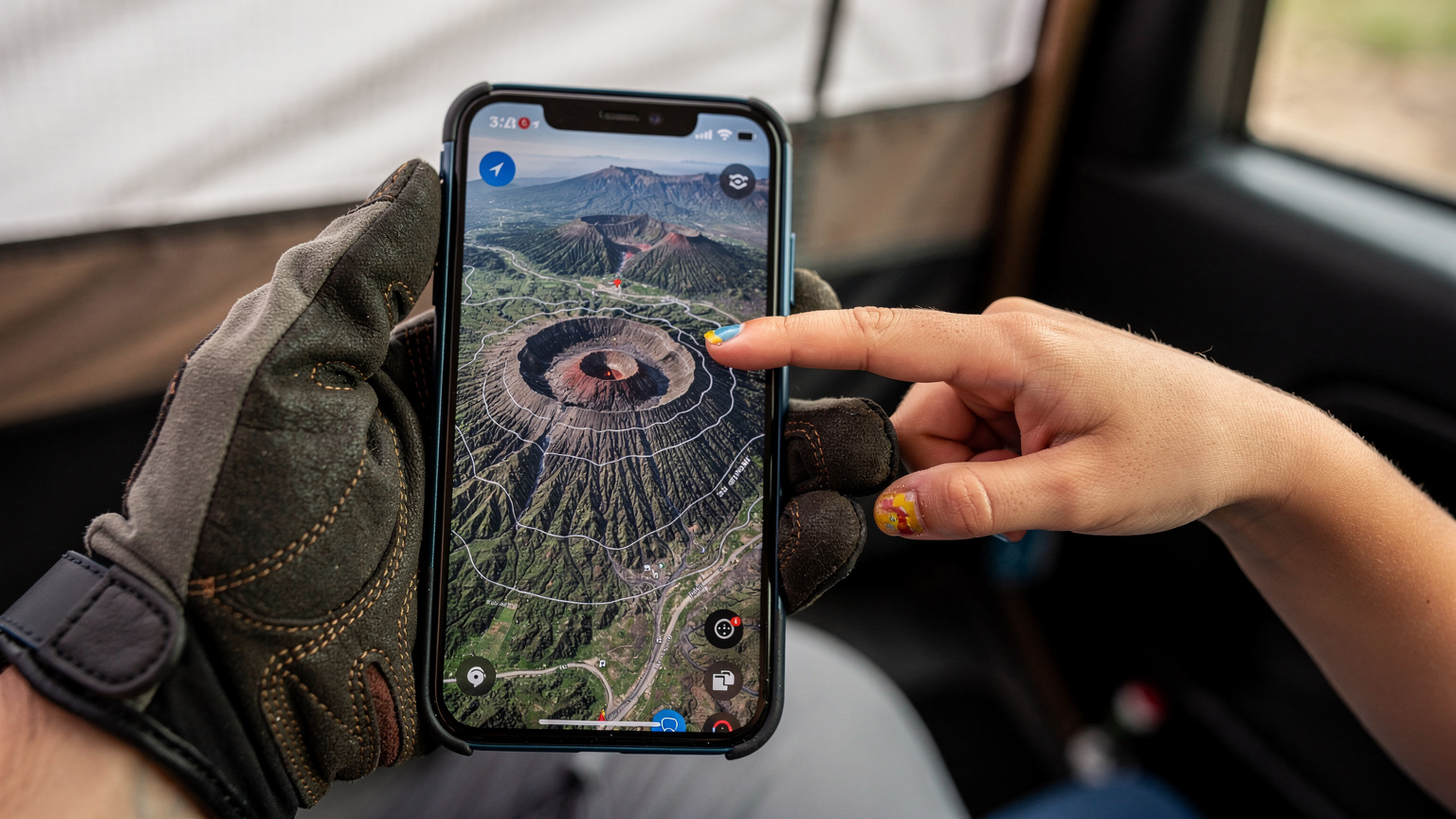
We also rely heavily on Google Maps for navigation, even with downloaded offline maps. Real-time traffic updates (yes, even on F-roads, believe it or not, there can be closures) and quick searches for nearby points of interest require active data. It's a balance, of course, between encouraging them to appreciate the scenery and providing them with their digital comfort zone when needed.
Pre-loading Apps and Offline Maps: The Golden Rule
This is my number one tip for any family travel, especially to remote areas. Before you even board the plane, ensure all essential apps are downloaded and updated. This includes:
- Mapping Apps: Google Maps, Maps.me, or Gaia GPS with offline maps for the entire region you'll be exploring.
- Entertainment: Netflix, Disney+, YouTube Kids, Amazon Prime Video, and Apple TV content downloaded.
- Audiobooks/Podcasts: Apps like Audible or Libby for long drives.
- Educational Games: Any engaging games that don't require constant internet.
- Communication: WhatsApp or FaceTime (for Wi-Fi calls if data is scarce).
Remember, even if you have an eSIM, relying solely on live streaming in the Highlands is a recipe for frustration. Download everything you can!
Data Plan Sized for Streaming: How Much Is Enough?
This is where the planning truly pays off. Here's a rough guide for a family of four, assuming moderate usage from kids and adults:
| Activity | Estimated Data Usage (per hour) | Notes for Highlands Travel |
|---|---|---|
| Basic Browsing/Email | 50-100 MB | Low impact, but still adds up. |
| Google Maps Navigation | 5-10 MB | Crucial for F-roads, even with offline maps. |
| Social Media/Photo Uploads | 100-300 MB | High impact, especially video uploads. |
| Standard Definition Streaming (Disney+, Netflix) | 700 MB - 1 GB | This is your biggest data sink. Download whenever possible! |
| High Definition Streaming | 2-3 GB+ | Avoid entirely if you can, unless you have unlimited data. |
| Online Gaming (Roblox, Minecraft) | 50-150 MB | Can be surprisingly low, but latency can be an issue. |
Based on this, for a 7-day trip with two kids occasionally streaming or gaming, plus adult usage, I'd aim for a minimum of 25-30 GB shared data. Better to have more and not need it than run out when a crucial map update is needed, or a child is mid-Minecraft build.
Setting Up Your eSIM: A Step-by-Step Guide
The beauty of eSIMs, especially for the time-constrained family planner, is the seamless setup. You don't need to hunt for a store, deal with foreign languages, or even touch a tiny, fiddly piece of plastic. It's all done digitally, often before you've even packed your bags. This is particularly appealing for those of us who appreciate getting things squared away well in advance, leaving more time for packing arguments about who gets the window seat.
I usually set up my eSIMs a day or two before departure. This gives me enough time to troubleshoot any issues (which are rare, thankfully) and confirm everything is working smoothly. The process is remarkably straightforward, and most modern smartphones, like the iPhone 17 Pro with its dual-eSIM capabilities, make it incredibly intuitive.
Before You Go: Pre-Travel eSIM Activation Checklist
- Check Device Compatibility: Ensure your smartphone (and any kids' devices you plan to use with an eSIM) is eSIM compatible and unlocked. Most newer iPhones (XS and above), Google Pixels (3a and above), and many Samsung Galaxy models support eSIMs.
- Purchase Your eSIM Plan: Head to esimAdventures and choose your desired Iceland plan. You'll receive a QR code via email.
- Download eSIM App (Optional): Some providers have an app that simplifies management and top-ups, but it's not always necessary for activation.
- Ensure Stable Wi-Fi: You'll need a good Wi-Fi connection to download the eSIM profile to your device. Do this at home before you leave.
- Disable Auto-Connecting VPNs: Sometimes VPNs can interfere with eSIM activation, so temporarily disable them if you use one.
Activating Your eSIM on Arrival (or Before)
- Scan the QR Code: Go to your phone's Settings, then Cellular/Mobile Data. Look for an option like "Add eSIM" or "Add Data Plan." This will usually open your camera to scan the QR code provided by esimAdventures.
- Follow On-Screen Prompts: Your phone will guide you through adding the data plan. You might be asked to label the new line (e.g., "Iceland Travel" or "Data Only").
- Set as Primary for Data: Once installed, go back to your Cellular/Mobile Data settings. Make sure your new eSIM is selected as the primary line for cellular data. You can keep your home SIM active for calls/texts, but disable data roaming for it.
- Enable Data Roaming for eSIM: Crucially, enable data roaming specifically for your eSIM line. This sounds counter-intuitive, but for an eSIM from a foreign provider, it's often necessary to connect to the local networks.
- Test Your Connection: Once activated, try opening a browser or an app like Google Maps to confirm you have a data connection.
It really is that simple. No more hunting for tiny SIM card ejector tools or worrying about losing your home SIM in a foreign country.
Maintaining Connectivity in Remote Camps & Treks
The real test of an eSIM in the Highlands isn't just activation, it's maintaining that precious signal when you're miles from the nearest paved road. Our experiences camping near Landmannalaugar or trekking through the Laugavegur trail taught us that strategic device management and a little foresight go a long way.
We found that even in seemingly desolate areas, there were often pockets of 3G or even weak 4G signal, particularly on higher ground or near certain F-road rest stops. The trick was to not expect constant, high-speed connectivity, but to leverage whatever signal was available for essential tasks. This often meant checking weather forecasts, sending quick check-in messages to family, or downloading a small map update during a lunch break.
One of the key advantages of a multi-network eSIM, or even having two eSIM profiles from different local providers, is the ability to potentially hop between networks if one proves weaker. This is something a physical SIM simply cannot offer. (Remember when we tried to get a signal on that cruise ship? Total nightmare. This is much better.)

Boosting Signal and Saving Battery Life Off-Grid
- Find High Ground: Signal strength is often better on ridges, hilltops, or open areas rather than deep valleys or dense canyons.
- Use Airplane Mode Strategically: If you don't need data for a while, turn on airplane mode to conserve battery. Constantly searching for a signal drains power quickly.
- Portable Power Banks: Absolutely essential. We carried two large capacity power banks and a solar charger to keep phones, iPads, and headlamps topped up.
- Offline-First Mindset: Reiterate the importance of downloaded maps and entertainment. Only use live data for essential tasks.
- Wi-Fi Calling: If you find a rare Wi-Fi hotspot (e.g., at a mountain hut or a gas station), use Wi-Fi calling for clearer, cheaper communication.
Connectivity in Theme Parks and Cruise Ships (A Quick Aside)
While our focus here is the Icelandic Highlands, the principles of strategic connectivity apply to other challenging environments too. For example, connectivity inside theme parks, especially large ones like Disney World, can be surprisingly spotty due to crowds overloading networks, or in the case of Dubai's Expo City, vast indoor spaces. Similarly, cruise ships are notorious for expensive and slow satellite internet. In both scenarios, an eSIM can be incredibly useful for connecting to local shore networks when in port, or for securing data in areas where Wi-Fi is unreliable or costly. The same 'find the strongest signal' and 'manage data wisely' rules apply.
Parental Controls & Screen Time Management with eSIM
As much as I advocate for connectivity, I'm also a firm believer in managing screen time, especially when surrounded by the breathtaking landscapes of Iceland. The goal isn't to disconnect entirely, but to ensure devices are tools for enhancement, not distraction. The good news is that parental control features, whether built into iOS/Android or through third-party apps, work seamlessly with an eSIM line.
When we're on the road, I use a combination of Apple's Screen Time and Google Family Link to set limits on app usage, schedule downtime, and approve app downloads. This means that even if Leo is trying to sneak in some extra Roblox time at 10 PM, his iPad will simply cut off data access for that app. The eSIM doesn't interfere with these controls, it simply provides the data pipe that these systems then manage.
It's important to have these conversations with your kids before the trip. We have a family agreement: devices are for navigation, photography, educational games, and pre-downloaded entertainment during designated times. Otherwise, eyes up, look at the volcanoes! (Though a quick check of an offline map is always allowed.)
Implementing Screen Time Limits on eSIM Devices
Setting up parental controls effectively ensures that your data plan isn't being silently drained by excessive streaming, and that your kids are actually engaging with their surroundings. Here's how to approach it:
- Use Native OS Controls: Both iOS (Screen Time) and Android (Digital Wellbeing, often paired with Google Family Link) offer robust features to set app limits, schedule downtime, and block inappropriate content. These are your first line of defense.
- Communicate Rules Clearly: Before the trip, discuss screen time expectations with your children. Explain why it's important to conserve data and to be present in such a unique environment.
- Leverage eSIM for Data Monitoring: Many eSIM providers offer apps or web portals where you can monitor real-time data usage. This helps you identify if a particular app is a data hog and adjust limits accordingly.
- Consider Device-Specific Parental Controls: For gaming consoles like the Nintendo Switch (which can connect online), ensure you've set up parental controls through the Nintendo eShop or console settings to manage online play and purchases.
The Role of Parental-Control Features with eSIM Lines
The beauty is that the eSIM simply provides the internet connection. Any parental controls you've set up on the device itself, or via your phone's operating system, will continue to function as intended, regardless of whether the data is coming from a physical SIM or an eSIM. This means:
- Content Filtering: Browsing restrictions and content filters will apply to data accessed via the eSIM.
- App Limits: Time limits for specific apps (e.g., 2 hours for TikTok) will still cut off data access for that app once the limit is reached.
- Downtime Schedules: Scheduled periods when only essential apps (like phone calls) are available will be enforced.
The eSIM doesn't add complexity to parental controls, it just makes the underlying data more flexible and affordable.
Emergency Preparedness: Your eSIM as a Lifeline
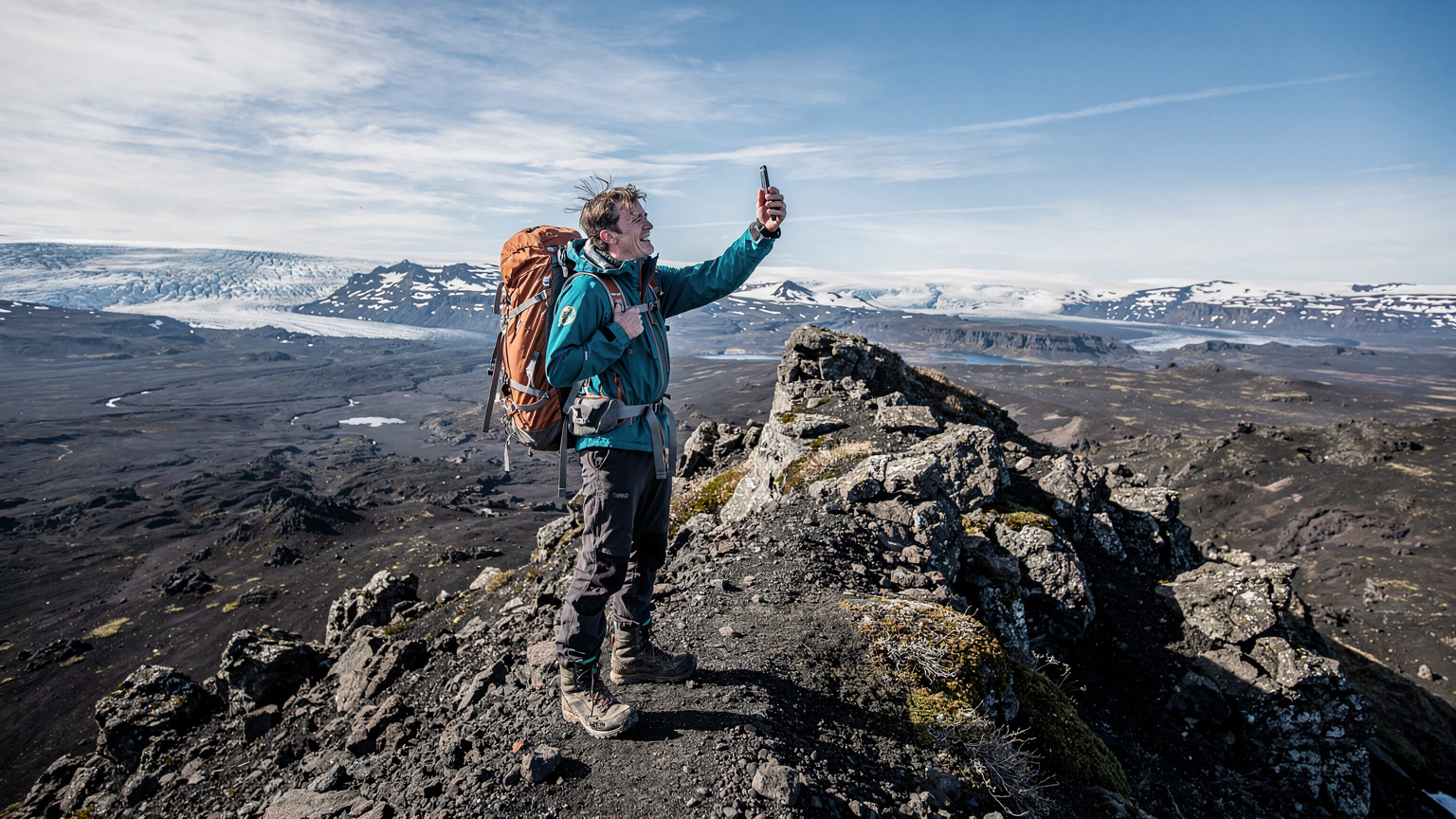
In the Icelandic Highlands, safety is paramount. While the landscapes are stunning, they are also unforgiving. Weather can change in an instant, and trails can become impassable. In such an environment, your phone, powered by a reliable eSIM, transforms from a convenience into a critical safety tool. This is why ensuring connectivity, even if it's just for emergency calls or texts, is non-negotiable.
We always carry a satellite messenger as a backup for true off-grid emergencies, but for anything less severe, the phone is the first line of communication. Whether it's to check the latest road conditions from Vegagerðin (Icelandic Road and Coastal Administration), contact a mountain hut for availability, or, in a more serious scenario, call emergency services (112 in Iceland), a working data connection is essential. The ability of an eSIM to potentially latch onto different networks, even if weak, can make all the difference in a remote area where one carrier might have a sliver of signal while another has none.
When to Call 112: Essential Emergency Information
Knowing when and how to call for help is crucial. In Iceland, the emergency number is 112 for police, ambulance, fire, and search and rescue. Your eSIM-enabled phone, even if it has no data, should still be able to make emergency calls as long as it can connect to any available cellular network. However, having data allows for more nuanced communication, such as sending location data or accessing online resources.
Key Emergency Tips:
- Always Inform Someone: Let a trusted friend or family member know your itinerary, including your expected return time and the F-roads/trails you plan to use.
- Download the 112 Iceland App: This app can send your exact GPS location to emergency services with a single tap, even if you can't speak. It's a must-have for any Highland adventurer.
- Carry a Map and Compass (and know how to use them): Technology can fail. Always have analog backups.
- Pack a Power Bank: Crucial for keeping your phone charged for emergencies.
For more general travel FAQs, including emergency tips, you might find more helpful information on the esimAdventures FAQ page.
Beyond Emergency Calls: Useful Apps for Highland Safety
An eSIM doesn't just enable emergency calls, it powers a suite of apps that enhance safety:
- Vedur.is: Iceland's meteorological office app. Real-time, highly accurate weather forecasts are vital for planning hikes and drives.
- Road.is: Provides real-time information on road conditions, including closures, which are frequent in the Highlands due to weather or river crossings.
- SafeTravel.is: Iceland's official site for safe travel in the country. Their app allows you to register your travel plan and receive alerts.
- Offline Translation Apps: While most Icelanders speak excellent English, having Google Translate or a similar app downloaded for offline use can be helpful in a pinch.
Post-Trip Review: What We Learned from Our Highland eSIM Experience
Returning from the Icelandic Highlands, our boots muddy and our minds full of incredible memories, I always take a moment to reflect on what worked and what didn't. When it came to connectivity, our eSIM strategy was, without a doubt, a resounding success. It wasn't perfect, because no data solution is 100% reliable in such a wild place, but it was far superior to any alternative we considered.
We had moments of weak signal, particularly in deep valleys or behind large rock formations, but these were brief. Crucially, we always managed to get enough signal for essential communications, and the ability to switch between networks (or at least have the option of another provider) provided a valuable safety net. The kids were able to watch their downloaded movies during long drives, and I was able to update our route on Google Maps when a sudden river crossing changed our plans. It truly made a difference in reducing parental stress levels.
If there's one takeaway, it's this: for the adventurous family planning to explore Iceland's breathtaking, yet challenging, interior, an eSIM isn't just a gadget. It's an indispensable part of your preparedness kit, right alongside your waterproofs and your first-aid supplies. It allows you to embrace the wild, knowing you're still connected enough for peace of mind, and for those crucial moments when even a whisper of data makes all the difference.
Frequently Asked Questions
Will an eSIM provide coverage everywhere in the Icelandic Highlands?
While an eSIM leverages local networks like Síminn and Vodafone, no provider offers 100% coverage across the entire Icelandic Highlands due to its remote, mountainous terrain. However, an eSIM often allows you to connect to the strongest available network, which can provide better chances of connectivity than a single physical SIM, especially on higher ground or near F-road infrastructure.
Can I use my eSIM for hotspot tethering to connect my kids' devices?
Yes, most eSIM plans from reputable providers allow for personal hotspot tethering. This feature is crucial for families, as it enables you to share your data connection with other devices like tablets, laptops, or secondary phones, ensuring everyone stays connected without needing individual data plans for each device. Always confirm this feature when purchasing your eSIM plan.
How much data should a family with two kids plan for a week in the Highlands?
For a week-long trip with two adults and two children (ages 4-12) in the Icelandic Highlands, a shared data plan of at least 25-30 GB is recommended. This accounts for essential navigation, weather updates, occasional online gaming, and some limited streaming of downloaded content. Pre-downloading movies and maps before you leave will significantly reduce actual data consumption.
Do parental control features work with an eSIM line?
Absolutely. Parental control features, whether built into your device's operating system (like Apple Screen Time or Google Family Link) or through third-party apps, operate independently of the data source. The eSIM simply provides the internet connection, and your device's controls will continue to manage app usage, screen time limits, and content filtering as normal.
Is it better to activate my eSIM before I arrive in Iceland or once I'm there?
It is highly recommended to purchase and activate your eSIM plan before you leave home, or at least before you enter the more remote areas of Iceland. You'll need a stable Wi-Fi connection to download the eSIM profile, which may not be readily available in the Highlands. Activating in advance ensures you're connected the moment you need it upon arrival.